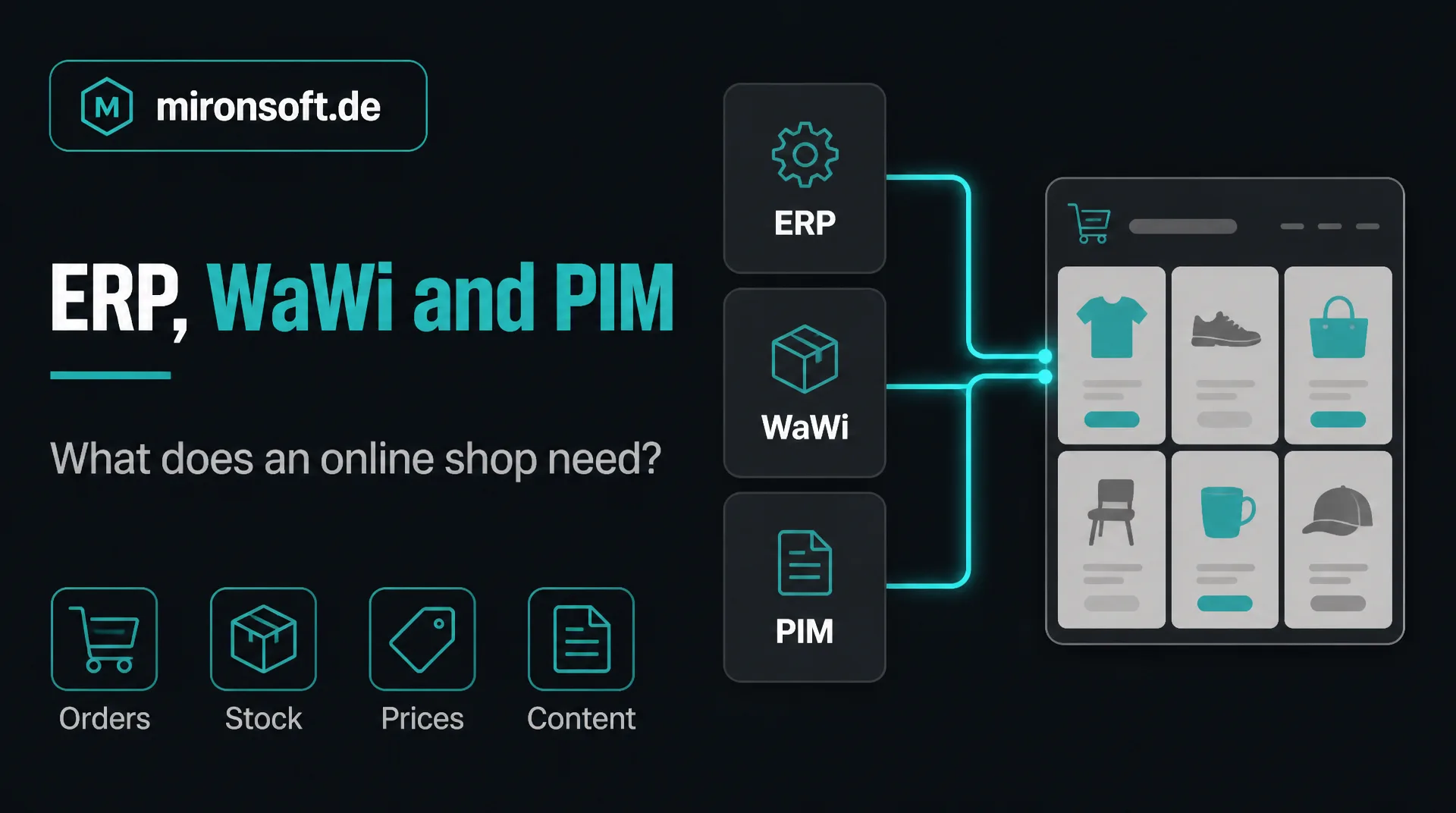
What an online shop really needs
Whoever runs or plans an online shop quickly hears the terms ERP, merchandise management and PIM. This guide explains what each system does, which one your shop needs and how ERP, merchandise management and PIM work together with Magento.
Table of contents
- 1. ERP, merchandise management and PIM: what the terms mean
- 2. The three systems compared
- 3. What your online shop really needs
- 4. Who leads for which data
- 5. How ERP, merchandise management and PIM are connected to Magento
- 6. Examples of systems and how we connect them
- 7. Effort and costs of the integration
- 8. How we support you
- 9. Summary
- 10. FAQ
1. ERP, merchandise management and PIM: what the terms mean
The terms are often mixed in daily speech. A merchandise management system, in German WaWi, manages articles, stock, orders, shipping and invoices and is widespread above all in retail. An ERP system goes further: it maps the processes of a company, from purchasing and warehouse through sales to accounting, often also production and personnel. The border is fluid, and many products carry both designations.
A product information system, PIM for short, has a different task. It collects, arranges and refines product data, that is texts, attributes, images and translations, and provides it for different channels, including the shop. A PIM replaces neither merchandise management nor ERP but supplements them.
For ERP, merchandise management and PIM this applies: they are not competitors but building blocks that hold different data. How they work together with the shop is shown in this guide. An overview of our services is on the page Magento connector.
2. The three systems compared
| System | Main task | Typical data | Sensible for |
|---|---|---|---|
| Merchandise management | Articles, warehouse, orders, shipping | Stock, prices, orders, invoices | Merchants with their own warehouse |
| ERP | Processes of the whole company | Purchasing, sales, accounting, production | Companies with several areas |
| PIM | Maintain and distribute product data | Texts, attributes, images, translations | Large catalogs, many channels, many languages |
The classification is a rule of thumb. A small shop with a manageable catalog often gets by with a merchandise management system. Whoever has several locations, production or complex accounting rather needs an ERP. A PIM pays off if product data is very extensive, exists in several languages or is delivered through many channels.
3. What your online shop really needs
Do not ask first for the product but for the problem. Do your employees spend a lot of time retyping orders? Then you need a connection of the shop to your merchandise management or ERP. Are product texts and images scattered in several places and contradictory? Then a PIM can help. If there is neither merchandise management nor ERP, introducing one is usually a project of its own that should be planned before the shop.
Whoever already uses a system does not have to replace it to run a shop. A Magento shop can be connected to many common systems, and that is usually cheaper than a change of system. Whoever has none yet should also pay attention to whether a good interface exists when choosing, because it later decides about the effort and reliability of the integration.
A simple decision aid: list which data is maintained twice today and how much time that costs. From this list it follows which of the three systems helps you most, whether ERP, merchandise management and PIM or only one of them. Many businesses begin with the connection of merchandise management and think about a PIM only when the catalog grows.
4. Who leads for which data
| Data | Leading system | The shop |
|---|---|---|
| Article master and prices | Merchandise management or ERP | Receives and displays |
| Descriptions, attributes, media | PIM, otherwise the shop | Receives and displays |
| Stock | Merchandise management or ERP | Displays and reports reservations |
| Orders | Shop | Creates and hands over to merchandise management or ERP |
The most important rule when you connect ERP, merchandise management and PIM is: for every type of data there is exactly one leading system. Whatever can be changed in two systems leads to contradictions sooner or later. Whoever uses a PIM must also know that changes to PIM-led fields in the shop are not permanent because the next synchronization overwrites them.
5. How ERP, merchandise management and PIM are connected to Magento
A connector takes over the connection. It picks up data from the leading system, brings it into the form Magento needs and sends orders and status messages back. Technically there are four ways: the direct connection through the programming interface of the system, a middleware, a file exchange or a ready-made module. The decision aid is in the guide to ERP integration.
If several systems are used, for example ERP and PIM, several integrations are needed that must not get in each other's way. That is why at the beginning we define which system leads for which data and check whether a middleware simplifies things. A good log and an agreement on care belong to every solution.
For ERP, merchandise management and PIM the same principle applies to the integration: changes run in the background, errors appear in the log, and short outages of a system do not lead to lost orders. Whoever connects ERP, merchandise management and PIM should also check how the systems handle updates, because after an update the integration must keep working.
6. Examples of systems and how we connect them
For the systems that occur most often in practice we have our own pages and guides. For the ERP systems these are Business Central and Navision and the SAP integration, plus the guide to the SAP interface. For the merchandise management systems they are JTL-Wawi and plentymarkets, plus the guides connect JTL-Wawi to Magento and connect plentymarkets to Magento.
For the product information systems they are Akeneo and Pimcore, plus the guides to the Akeneo Magento connector and to connect Pimcore to Magento. We also connect further systems after checking the interface. If your system is missing, write to us, and we check honestly whether an integration is feasible and sensible.
7. Effort and costs of the integration
The effort depends on the number of data flows, the quality of the data, the special cases with prices, warehouses and customers and the desired timeliness. A data flow in one direction is built faster than a synchronization in both directions with conflict rules. A flat figure would be unreliable.
We estimate in writing after an inventory, the hourly rate is 30 euros net, see pricing. Besides the development, include the running items: hosting, maintenance and, where applicable, licenses of the systems. General hints on costs are in the guide Magento costs.
With ERP, merchandise management and PIM it pays to think in stages: first the data flow with the greatest benefit, then the others. This way the budget is spread, and you see early whether the integration keeps what it promises.
8. How we support you
We are a web agency in which fixed freelancers work together, all from home offices. We develop integrations project by project, according to your processes and with documented rules, and we do not sell a ready-made connector off the shelf. Source code and access stay with you.
This guide gives general orientation. For a first conversation a short message through our contact page is enough. Please name your ERP, merchandise management and PIM systems and the desired data flows, then we can assess the feasibility specifically.
9. Summary
ERP, merchandise management and PIM are not competitors but building blocks with different tasks. A Magento shop can be connected to many common systems, and what matters is who leads for which data.
ERP, merchandise management and PIM at a glance
Merchandise management
Articles, warehouse, orders, shipping and invoices
ERP
Processes of the whole company
PIM
Maintain product data and provide it for channels
Integration
One leading system per type of data, connector with a log
Note: This article offers general orientation. Which systems you need depends on your company.