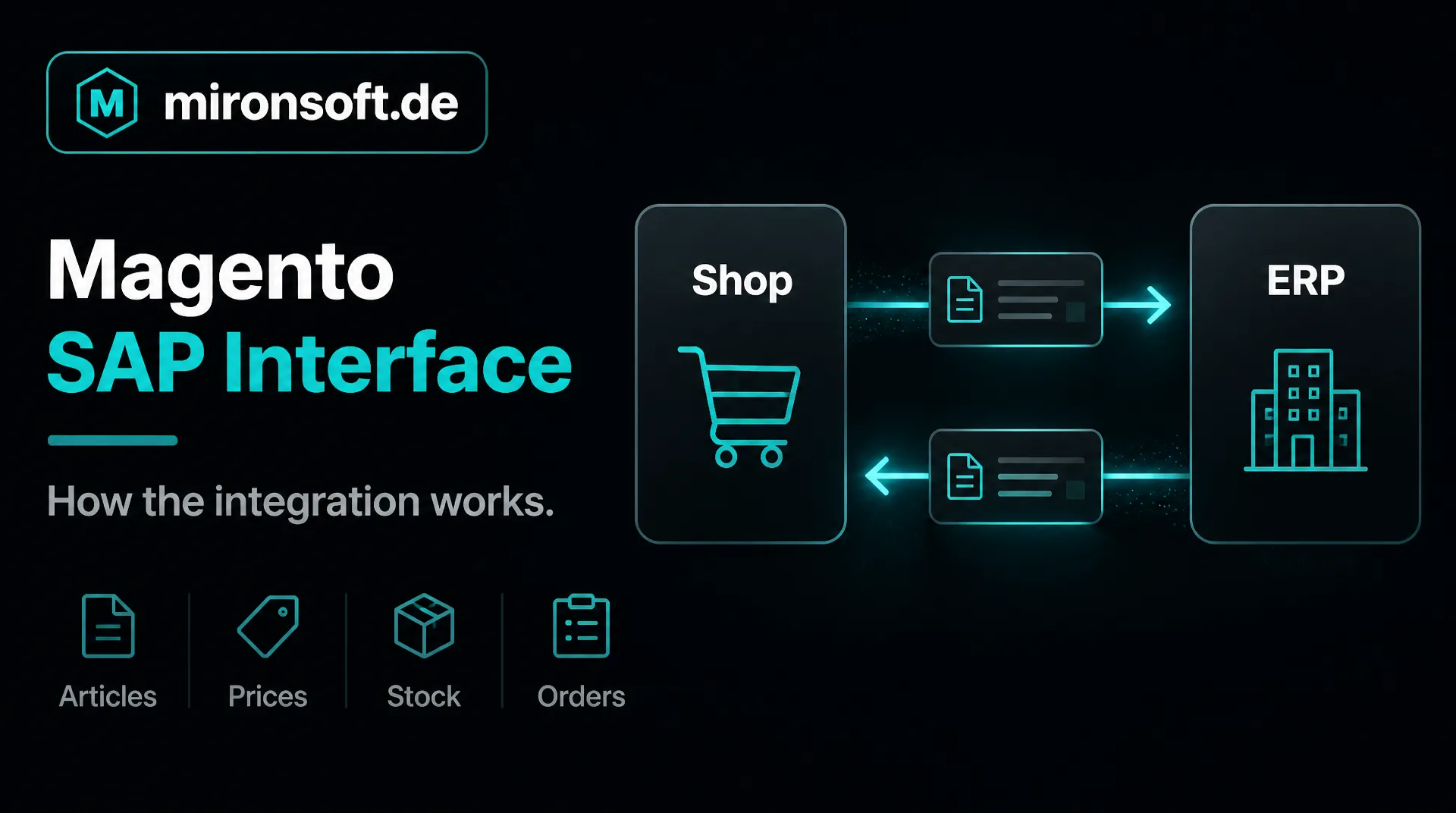
How the integration with your SAP system works
Whoever runs an online shop and has SAP in house does not want to maintain articles, prices, stock and orders twice. This guide explains how a Magento SAP interface works, which options exist and what determines the effort.
Table of contents
- 1. What a Magento SAP interface does
- 2. SAP Business One or S/4HANA: where the difference lies
- 3. Which data flows in which direction
- 4. The technical ways to a Magento SAP interface
- 5. Catalog, prices and stock: what has to be clarified
- 6. Orders, customers and documents
- 7. Typical pitfalls of a Magento SAP interface
- 8. Project process and effort
- 9. Summary
- 10. FAQ
1. What a Magento SAP interface does
A Magento SAP interface connects your online shop with the enterprise resource planning and accounting system. It makes sure that data is entered only once and arrives in the right place: articles, prices and stock flow from SAP into the shop, orders and customer data flow from the shop into SAP.
The benefit shows in daily work. Employees no longer retype orders, customers see the current stock in the shop, and invoices are created where your accounting works anyway. A well built Magento SAP interface thus saves time and prevents errors that occur with manual transfer.
This guide is aimed at managing directors and e-commerce managers in mid-sized companies. An overview of other systems is in the guide to ERP integration, and we describe our services on the page about SAP integration.
2. SAP Business One or S/4HANA: where the difference lies
Several products stand behind the name SAP. In mid-sized companies we mostly meet SAP Business One and SAP S/4HANA. Business One is meant for small and mid-sized companies, S/4HANA rather for larger organizations with extensive processes. For a Magento SAP interface this matters because the available access points and the coordination in house differ.
Both systems offer programming interfaces through which a shop can read and write data. Which of them are released and maintained in your installation depends on version, operation and permissions. Clarify this early with your IT department or your SAP consultant, because it determines the way of the integration.
Start with an inventory
Before a quote is made, product, version, hosting (in your own house or at a service provider) and existing access should be known. Without this information the effort cannot be estimated reliably.
3. Which data flows in which direction
Before planning technically, decide which system leads for which data. The following table shows a typical pattern that differs from company to company.
| Data | Leading system | Direction | Typical rhythm |
|---|---|---|---|
| Article master data | SAP | SAP to shop | regularly or on change |
| Prices and discounts | SAP | SAP to shop | regularly or on change |
| Stock | SAP | SAP to shop | often, depending on need |
| Orders | Shop | Shop to SAP | immediately or at short intervals |
| Customer master | SAP or shop | depending on concept | on creation or change |
| Shipping status and invoices | SAP | SAP to shop | on status change |
A clear rule on data ownership prevents most disputes. Whatever can be changed in both systems leads to contradictions sooner or later. Therefore define exactly one leading system per type of data.
Formats and units also belong to the definition. The same terms do not always mean the same: an article status in SAP can have several states in the shop, and a tax code must lead to the same rate in both systems. We recommend recording these assignments in a table that the department and the developers review together.
4. The technical ways to a Magento SAP interface
There are essentially four ways. The first is a direct connection through the interfaces of SAP, for example web services. It is lean if the SAP system provides the necessary access cleanly. The second way is a middleware that mediates between shop and SAP, converts data and catches errors. The third way is a file exchange, in which lists are stored and read in agreed formats. The fourth way is a ready-made add-on module, if one fits your case.
Which way is right for your Magento SAP interface depends on data volume, timeliness, existing infrastructure and budget. A file exchange is simple and robust but not in real time. A direct connection is faster but needs careful error handling. A middleware pays off if several systems are involved. More in the guide to ERP integration.
5. Catalog, prices and stock: what has to be clarified
Most questions arise with articles and prices. Does the structure of SAP fit the products in the shop, for example with variants, sets or articles with several units of measure? How are customer prices, tiers and discounts mapped? A Magento SAP interface transfers only what was assigned cleanly beforehand.
With stock the rhythm counts. Does the shop show only an availability or the exact quantity? Are there several warehouses? Is an article reserved when ordered? The more precisely you define this, the fewer surprises there are in operation. For prices by customer group, take a look at our guide to the [B2B shop](b2bshop).
6. Orders, customers and documents
Orders go from the shop to SAP. Customer, addresses, items, tax, payment method and shipping method must be assigned unambiguously. If a customer is missing in SAP, the interface must create the customer or mark the order for review. Both are possible but need a decision.
Status, tracking numbers and invoices flow back. This way the customer sees in the account where the order stands and receives documents without asking. It is important that every order is transferred only once. An interface must therefore be able to deal with repetitions if a transfer was interrupted.
The payment method also deserves attention. If paid online, SAP must know that the invoice is settled. With a purchase on invoice the payment status is handled differently. Such rules are defined once and then applied automatically, which noticeably relieves daily work.
7. Typical pitfalls of a Magento SAP interface
Five pitfalls we always address
- ✓Unclear data ownership: both systems may change the same fields.
- ✓Missing error handling: a fault stays unnoticed until a customer asks.
- ✓Too short a test: special cases such as partial deliveries, credit notes or foreign orders are missing.
- ✓Maintenance windows and updates: SAP or the shop is updated, the interface is not.
- ✓No documentation: whoever runs the integration does not know its rules.
Most of these pitfalls of a Magento SAP interface can be avoided with planning and a log that makes errors visible. An interface is ongoing operation, not a one-off project. Therefore plan monitoring and care from the start, ideally within a maintenance contract.
8. Project process and effort
A project begins with an inventory and a concept in which data flows, data ownership and special cases are written down. Implementation follows, first on a test system, then a test with real sample data and finally the start with close support in the first weeks.
The effort of a Magento SAP interface depends on the number of data types, the quality of the interfaces in SAP, the number of special cases and the requirement for timeliness. A flat figure would be unreliable. After the inventory we estimate in writing, the hourly rate is 30 euros net, see pricing. General hints on costs are in the guide Magento costs.
A step-by-step start is recommended. First only articles and prices run, then the stock, finally the orders. This way every step stays manageable, and an error never affects all data at once. In the first weeks after the start you should check the log daily.
9. Summary
A Magento SAP interface synchronizes articles, prices, stock, orders and documents between shop and SAP. Decisive are clear data ownership, the suitable technical way and planning for ongoing operation.
Magento SAP interface at a glance
Clarify first
Product, version, hosting and existing access in SAP
Data ownership
Define exactly one leading system per type of data
Ways
Direct connection, middleware, file exchange or add-on module
Operation
Plan error log, monitoring and care from the start
Note: This article offers general orientation. The concrete feasibility depends on your SAP system and its configuration.