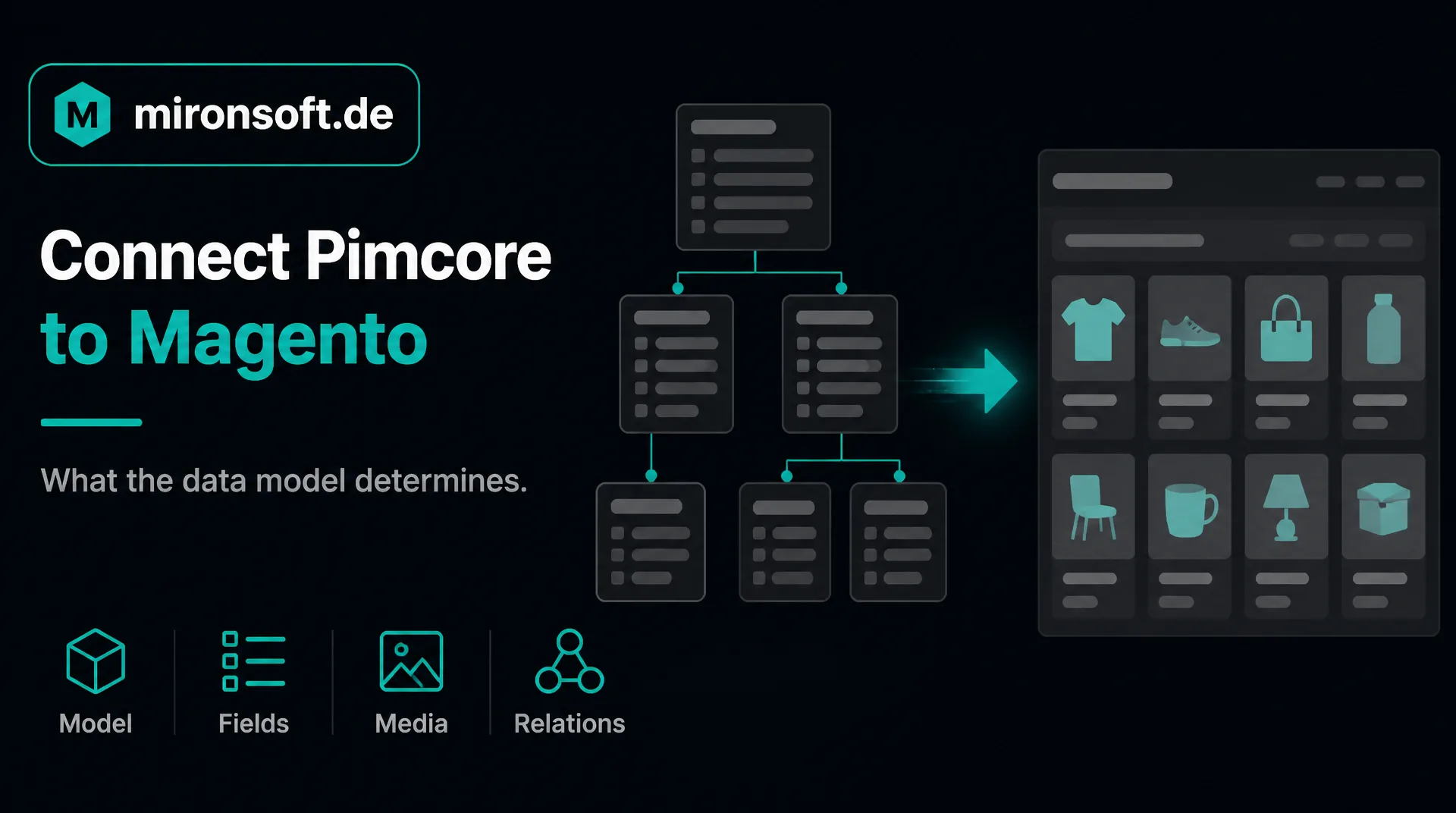
Why your data model determines the way
Pimcore is a flexible platform for product data, media and master data whose structure every company defines itself. Whoever wants to connect Pimcore to Magento must therefore begin with the data model. This guide shows how that works and what you should watch.
Table of contents
- 1. What it means to connect Pimcore to Magento
- 2. Which data flows between Pimcore and shop
- 3. The ways to connect Pimcore to Magento
- 4. Typical pitfalls when you connect Pimcore to Magento
- 5. Ready-made way or individual development: how you decide
- 6. The process when you connect Pimcore to Magento
- 7. Effort and costs when you connect Pimcore to Magento
- 8. How we support you with the integration
- 9. Summary
- 10. FAQ
1. What it means to connect Pimcore to Magento
Pimcore is an open source platform that builds on the Symfony framework and manages product information, digital media and master data. Unlike systems with a fixed structure, you define your own classes with your own fields there, for example for products, manufacturers or accessories, and link them with each other. When you connect Pimcore to Magento, you bring data from this model into the shop.
It follows that there is no standard way that applies to everyone. Two Pimcore installations can look completely different. The integration must therefore follow your structure: which classes describe the products, how are variants structured, which fields does the shop need?
This guide is aimed at companies that use Pimcore and want to connect Pimcore to Magento. The principles of the integration are described by the guide to ERP integration, the service by our page Magento Pimcore.
2. Which data flows between Pimcore and shop
| Data | Leading system | Direction | Typical rhythm |
|---|---|---|---|
| Attributes and data model | Pimcore | Pimcore to shop | on change of the structure |
| Product texts and attributes | Pimcore | Pimcore to shop | regularly or on change |
| Variants and relations | Pimcore | Pimcore to shop | regularly or on change |
| Images and documents | Pimcore | Pimcore to shop | on change, in the background |
| Prices and stock | ERP or merchandise management | ERP to shop | depending on need |
| Orders | Shop | Shop to ERP | immediately or at short intervals |
The table shows a typical pattern. Pimcore leads for product descriptions, attributes and media, while prices and stock usually come from the ERP. Whoever maintains them in Pimcore needs a separate data flow.
When you connect Pimcore to Magento, you should define early which fields belong in the shop. Pimcore is often used not only for products but also for customer data or content. The integration transfers only what the shop needs and leaves the rest alone. That keeps the queries lean and protects data that does not belong in the shop.
3. The ways to connect Pimcore to Magento
With the Datahub Pimcore offers a component that provides data through GraphQL. According to the documentation of the vendor, data objects and assets can be queried through it and, depending on the configuration, also changed. In the admin you define which fields are visible to the outside, and access is protected by a key. Filters, pagination and sorting can be activated. Because every data model is different, the queries differ depending on the class.
If the standard interface is not enough, for example because calculations or special processes are needed, Pimcore can be supplemented by own extensions because it builds on a common framework. For the Magento side a module arises that picks up the data, assigns it and creates it in the shop. Whether you need a middleware for this depends on how many systems are involved.
4. Typical pitfalls when you connect Pimcore to Magento
Five points we always address
- ✓Free data model: there is no ready-made assignment that fits without checking.
- ✓Too many fields: all fields are transferred and the queries become slow.
- ✓Relations: links such as accessories are mapped wrongly or not at all in the shop.
- ✓Large volumes: a complete synchronization with every change overloads the shop.
- ✓Double maintenance: texts are maintained again in the shop and overwritten at the next synchronization.
Most of these points can be avoided if the assignment is defined in writing at the beginning and the synchronization first runs with a small selection of typical products. Whoever wants to connect Pimcore to Magento should also demand that errors appear in the log with the reason instead of a product silently missing in the shop. Ongoing care can be regulated through a maintenance contract.
5. Ready-made way or individual development: how you decide
Because every Pimcore installation has its own data model, there is no standard connector that fits every structure. Add-on products and templates can be a basis. Whether they fit your structure is best checked before the decision, and you should ask how they are maintained and what happens on updates.
An individual development pays off if your data model needs its own ways: special assignments, relations between products, rules on creation or large data volumes. It is more expensive at the start but fits exactly. Whoever is only just introducing Pimcore can let the integration grow along: connect a small part first and extend the data model step by step.
6. The process when you connect Pimcore to Magento
Anyone who wants to connect Pimcore to Magento is best advised to proceed in four steps. First the inventory: which version of Pimcore do you use, how is it operated, which access exists, which data flows are desired and which special cases are there? From this a short concept arises that also records which system leads for which data. Then the work is done on a test system, never first against live data.
In the third step you check with real examples whether everything is correct: articles, orders, special cases. In the fourth step the start is made step by step, first the simple data flows, then the others. In the first weeks you look at the log together, which shows every transfer and every error. After that the integration runs in operation, and an agreement on updates prevents it from failing at the next update.
7. Effort and costs when you connect Pimcore to Magento
The effort depends on the complexity of the data model, the number of products and variants, the relations, the media and multilingual content. An inventory of your model is therefore the first and most important step. Besides the development, include the running items: hosting, maintenance and, where applicable, licenses for add-on products.
A flat figure would be unreliable. We estimate in writing after the inventory, the hourly rate is 30 euros net, see pricing. General hints on costs are in the guide Magento costs.
8. How we support you with the integration
We are a web agency in which fixed freelancers work together, all from home offices. We develop the integration project by project, according to your processes and with documented rules, and we do not sell a ready-made connector off the shelf. Source code and access stay with you. More about our approach is on the page Magento Pimcore integration.
This guide gives general orientation. For a first conversation a short message through our contact page is enough. Please name your system, the version and the desired data flows, then we can assess the feasibility specifically.
9. Summary
Whoever wants to connect Pimcore to Magento begins with the own data model because it determines the assignment. The Datahub delivers the data, Magento creates it, and a log makes errors visible.
Connect Pimcore to Magento at a glance
Clarify first
Data model, classes, fields and which of them the shop needs
Interface
Datahub with GraphQL, release fields in the admin
Trial
First transfer and check a selection of typical products
Operation
Errors in the log, agreement on updates and care
Note: This article offers general orientation. The concrete feasibility depends on version, operation and configuration of your system.