Process, data migration and risks
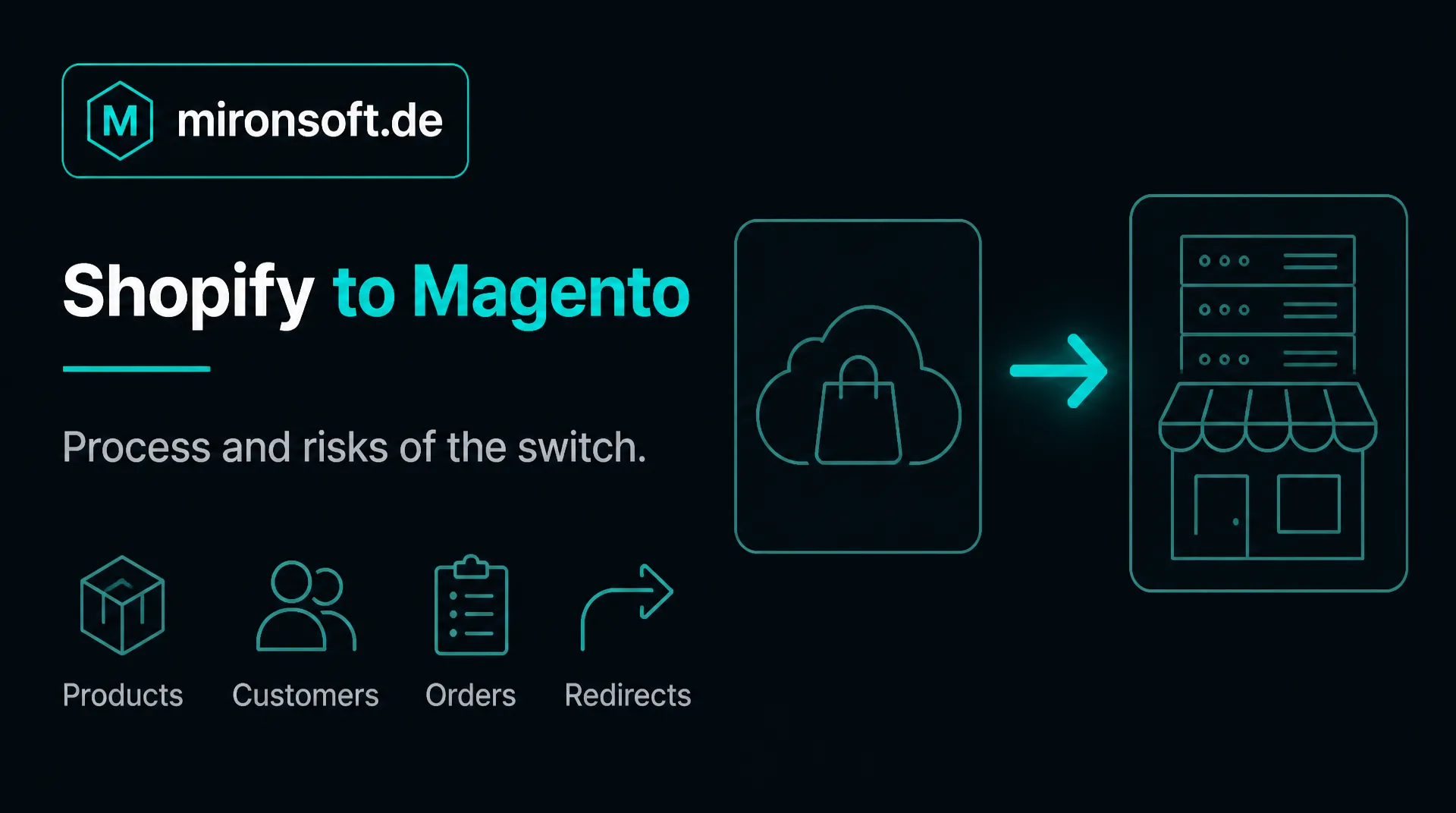
Shopify is quickly set up and convenient in operation. But with growing requirements the wish for more control can arise. This guide shows when the move from Shopify to Magento pays off, what is migrated and what you should watch.
Table of contents
- 1. Why merchants switch from Shopify to Magento
- 2. When the switch from Shopify to Magento pays off and when not
- 3. Which data comes along from Shopify to Magento
- 4. SEO and addresses when switching from Shopify to Magento
- 5. Apps and functions: what becomes of them in Magento
- 6. The process: how you switch from Shopify to Magento
- 7. Effort and costs when switching from Shopify
- 8. How we support you with the switch
- 9. Summary
- 10. FAQ
1. Why merchants switch from Shopify to Magento
Shopify is a hosted solution: you rent the shop and take care of neither servers nor updates. That is a great advantage as long as your requirements fit the standard. The price is that you have less influence on technology, process and data than if you run the software yourself.
Typical reasons to move from Shopify to Magento are the wish for a freely designable checkout process, complex B2B rules, a close connection to merchandise management and other systems, growing costs from many paid apps and the wish to have data and hosting in your own hands.
The fee structure also plays a role. Depending on plan and payment provider, transaction fees can arise in addition to the rent. Whoever has high sales therefore calculates precisely what an own shop costs over several years, including hosting and care.
2. When the switch from Shopify to Magento pays off and when not
| Criterion | Shopify | Magento |
|---|---|---|
| Operation | Hosted, maintenance by the provider | Own hosting, maintenance with you or your agency |
| Adaptability | Within the limits of the platform | Access to the source code |
| Checkout process | Only limited changes, depending on plan | Freely designable |
| B2B and customer prices | Through platform functions and apps | Through customer groups, B2B functions or extensions |
| Connection to other systems | Through interfaces and apps | Through interfaces, modules or individual development |
| Running costs | Rent, apps, fees | Hosting, care, licenses for extensions |
The switch pays off if you hit fixed limits of the platform and these slow your business. It does not pay off if Shopify meets your requirements and you mainly want little operating effort. An own Magento shop needs care, updates and suitable hosting. Whoever cannot or does not want to provide that is better served by a hosted solution.
Check honestly whether the costs for apps and fees justify the switch and whether you can take over the ongoing care. For many smaller shops Shopify is the right choice.
3. Which data comes along from Shopify to Magento
| Data | Way out of Shopify | Note |
|---|---|---|
| Products and variants | CSV export or interface | Map options and variants to the structure of Magento |
| Categories (collections) | Through the interface | Distinguish manual and automatic collections |
| Customers | CSV export or interface | Passwords are not exported, customers set them anew |
| Orders | CSV export or interface | Clarify history, define the number range |
| Images | Through the image addresses in the product data | Download files and assign anew |
| Pages and blog posts | Through the interface | Take content and addresses along |
For products, customers and orders Shopify offers an export as a table and a programming interface. Additional fields that you created through apps or own data fields are checked separately. With subscriptions, gift cards and loyalty points we have to clarify how this data is continued in the new shop.
A clean-up before the transfer is worthwhile. Remove products you no longer sell and check which customer data you may continue legally and commercially. A lean data stock makes the test migration faster.
4. SEO and addresses when switching from Shopify to Magento
Shopify uses fixed address prefixes, for example for products, collections, pages and blog. These patterns cannot be changed freely. With Magento you determine the address structure yourself. So that no link runs into nothing, every relevant old address is redirected to the new one by a 301 redirect.
In the move from Shopify to Magento you also check titles, meta descriptions, structured data, sitemaps and canonical tags. These values must be present again in the new shop. What we do for this is described on the page on SEO optimization.
Also consider redirects that you already created in Shopify. They belong in the table so that old links do not lead to an error page.
5. Apps and functions: what becomes of them in Magento
Shopify shops often consist of many apps for reviews, subscriptions, product feeds, invoices or shipping. In the switch you go through each one: is it still needed? Is there a basic function, a module or an individual development in Magento for it? Often several apps can be replaced by one function, and some are dropped entirely.
We implement the frontend with Hyvä, see Hyvä theme. What the connection to merchandise management and shipping can look like is described in the guide to ERP integration. If you plan B2B functions, read the guide to the [B2B shop](b2bshop).
6. The process: how you switch from Shopify to Magento
A switch from Shopify to Magento runs in five steps. First the inventory: which products, customers, orders and content exist, which functions do you really use and which addresses bring visitors? Then the test migration, in which part of the data is transferred and checked. After that the build of the shop with design, payment methods, shipping and legal texts.
In the fourth step you check the shop with us on a test system that search engines cannot see and place trial orders. In the fifth step the switch happens: the data is compared one last time, the redirects are activated and the domain is pointed to the new shop. In the first weeks afterwards we check errors and rankings. You keep the previous shop for a while until everything runs safely.
Seven points for an orderly switch
- ✓Record data, functions and addresses of the previous shop.
- ✓Clean up the data stock before the migration.
- ✓Run a test migration and check samples.
- ✓Create and test the table of 301 redirects.
- ✓Check payment methods, shipping and legal texts in the new shop.
- ✓Place trial orders on the test system.
- ✓Plan the switch and afterwards check errors and rankings.
How you protect your ranking in the process is described in the guide to shop relaunch without SEO loss.
7. Effort and costs when switching from Shopify
When switching from Shopify the effort depends above all on the number of variants, the data from apps and the number of functions that have to be replaced. In addition come the running costs for hosting and care, which are included in the rent with Shopify and arise separately with Magento.
A flat figure would be unreliable. After the inventory we estimate in writing, the hourly rate is 30 euros net, see pricing. General hints on costs are in the guide Magento costs.
8. How we support you with the switch
We are a web agency in which fixed freelancers work together, all from home offices. We take over the data migration, build the shop with the fast Hyvä frontend and take care of redirects and start. Source code and access stay with you, and ongoing care can be regulated through a maintenance contract.
This guide gives general orientation and does not replace a check of your shop. For a first conversation a short message through our contact page is enough.
9. Summary
The switch from Shopify to Magento pays off if fixed limits of the platform slow the business and you can take over the care. Products, customers, orders and content can be taken over, with 301 redirects the ranking is largely kept.
Switching from Shopify to Magento at a glance
Decision
Switch if limits of the platform slow you and care is possible
Data
Transfer by export and interface, set passwords anew
Redirect fixed Shopify addresses by 301 to the new ones
Apps
Check every app: replace, supersede or drop
Note: This article offers general orientation. Statements about Shopify can change with new versions, check them in the individual case.