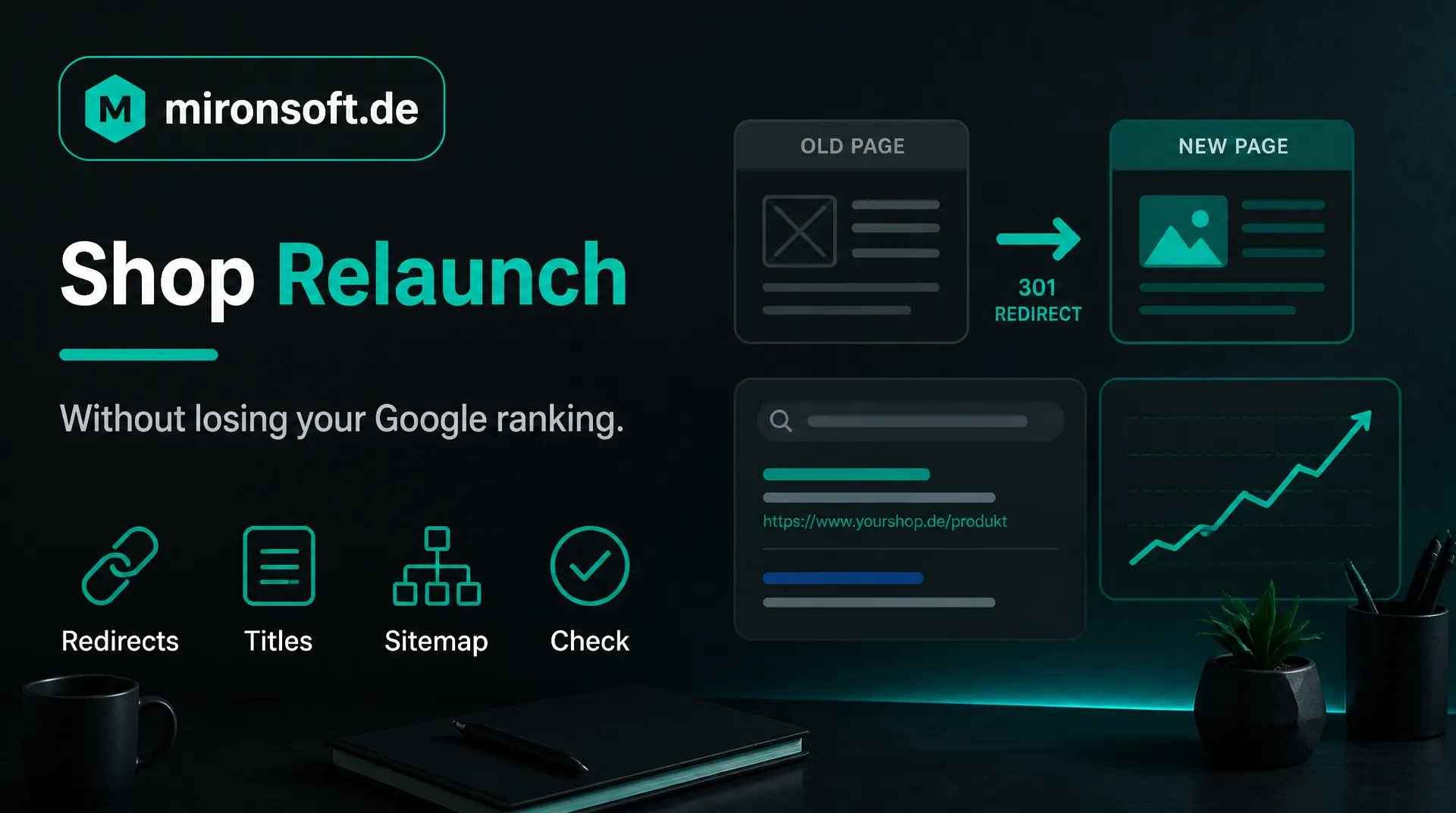
How your ranking is kept at the restart
A new shop should be nicer, faster and better, but not disappear from Google. This guide shows what has to be done in a shop relaunch to keep your rankings and how you avoid typical mistakes.
Table of contents
- 1. Why a shop relaunch endangers the ranking
- 2. Before: inventory of the SEO values
- 3. URL structure and 301 redirects in a shop relaunch
- 4. Carry over titles, texts and internal links
- 5. Technology: indexing, speed and mobile devices
- 6. The day of the start and the weeks after
- 7. Common mistakes in a shop relaunch
- 8. How we accompany your shop relaunch
- 9. Summary
- 10. FAQ
1. Why a shop relaunch endangers the ranking
In a shop relaunch a lot changes at once: design, technology, texts and often the addresses of the pages. Search engines remember these addresses. If a known page is suddenly no longer reachable or leads to an empty error page, it loses its ranking and with it the visits it brought.
The risk is manageable if it is planned. Most losses do not arise from the relaunch itself but from things nobody considered: missing redirects, forgotten titles, a test system that is in the index, or pages that are suddenly slower. This guide shows the points one after another.
The technical side of a domain change is described in our post SEO checklist for website relaunch and domain change. Here we look at the process from the point of view of the shop owner.
2. Before: inventory of the SEO values
Before anything is changed you need a picture of the current state. Which pages bring visitors, which search terms lead there, which pages have links from other websites? Google Search Console provides the search terms and pages, a crawl of your website provides the complete list of all addresses.
Record these figures in writing. After the start you compare with them whether visitors, rankings and sales have been kept. Without starting values it cannot be said later whether a decline is due to the relaunch or to the season. Especially important are category pages and the twenty to thirty strongest products.
Also note which pages bring sales, not only visitors. A page with few visits but many purchases is more important for the shop relaunch than a page with many visits that nobody buys from. This weighting later helps with the order of the check.
3. URL structure and 301 redirects in a shop relaunch
Every old address that brings visitors or is linked needs a target in the new shop in a shop relaunch. The method is called 301 redirect: it tells search engines and visitors permanently where the content is now. Without it links run into nothing.
| Case | Approach | Example |
|---|---|---|
| Address stays the same | Nothing needed, just check | Category has the same address |
| Address changes, content stays | 301 to the new address | Product has a new address pattern |
| Content is dropped, replacement exists | 301 to the thematically closest page | Discontinued article to the category |
| Content is dropped without replacement | Suitable error page or 410 | Outdated promotion page |
Create a table with old and new address for all relevant pages and test it before the start. Avoid redirect chains in which an address leads through several stations, they cost speed and signal strength.
In Magento, redirects can be maintained in the admin, with many addresses they are created by import or script. It is important that every redirect is tested in the browser and with a checking tool after it is created, because a typo otherwise stays unnoticed.
4. Carry over titles, texts and internal links
A new shop often brings new texts. Check which pages rank well and carry over their titles, descriptions, headings and main text as unchanged as possible. You can improve after the start in small steps, not on the day when everything else changes too.
Pay attention to the internal links. Menu, categories and links between products determine how search engines understand your site. If they are missing or lead to redirects, the structure suffers. Images with alternative texts, structured data such as prices and ratings and the sitemap also belong in the check. Our services around search engines are on the page about SEO optimization.
Mandatory pages such as imprint, privacy and withdrawal as well as the texts on shipping and payment also belong to the shop relaunch. They rarely rank but must be complete and reachable because they are legally required and give customers trust.
5. Technology: indexing, speed and mobile devices
The most common technical mistake is a test system that is visible to search engines. It competes with the real shop and contains duplicate content. Conversely it happens that the new shop still carries the instruction not to be included in the index after the start. Check both on the day of the start.
Also check canonical tags, the file robots.txt, the sitemap and, with several languages, the linking of the language versions. A faster shop helps the ranking, a slower one harms it. How speed is measured and improved is described on the page on performance and Core Web Vitals. With the Hyvä frontend many shops reach good values, see Hyvä theme.
Also plan the images in the shop relaunch: a clean format, sensible sizes and meaningful file names save loading time and help image search. At the end check whether filter pages and search results are treated sensibly with indexing and canonical tags so that no duplicate content arises.
6. The day of the start and the weeks after
Start when business is quiet, and keep someone ready who can check immediately. At the start you test a selection of old addresses for correct redirection, check the status code, the sitemap and the connection to Search Console. With a change of domain you additionally report it in Search Console.
In the weeks after, you watch error pages, indexing and rankings. Small fluctuations are normal because search engines first have to assess the new shop anew. But if important pages stay away permanently or errors accumulate, act immediately. The earlier an error is noticed, the smaller the consequences.
Define beforehand who decides in case of anomalies. If an important redirect is missing after the start, it should be possible to add it the same day without a coordination first. A short on-call plan for the first days is often enough.
7. Common mistakes in a shop relaunch
Seven mistakes we see again and again
- ✓No redirects for old addresses, or only to the home page.
- ✓Redirect chains over several stations.
- ✓Test system in the index, or a no-index instruction in the new shop.
- ✓New titles and texts on all pages at the same time.
- ✓Important categories and filter pages disappear from the navigation.
- ✓Slow pages due to heavy images and too many extensions.
- ✓No starting values, therefore no check after the start.
With this list and a clean table of redirects you are ahead of most problems. Plan the SEO tasks in a shop relaunch from the beginning, not only when the design is finished.
8. How we accompany your shop relaunch
We are a web agency in which fixed freelancers work together, all from home offices. Before the start we prepare the inventory and the redirect table, implement the redirects in Magento and check the important values on the day of the start and afterwards. The hourly rate is 30 euros net, see pricing.
This guide gives general orientation. If you come from another system, also read the guide on switching from WooCommerce. For a first conversation a short message through our contact page is enough.
9. Summary
A shop relaunch loses no ranking if it is planned: inventory beforehand, 301 redirects for all relevant addresses, carry over proven content, check the technology and control after the start.
Shop relaunch without SEO loss at a glance
Before
Record visitors, search terms, pages and links
Redirects
Every relevant old address needs a target, without chains
Content
Carry over proven titles and texts, improve later
After
Check errors, indexing and rankings in the first weeks
Note: This article offers general orientation. No procedure can guarantee rankings, but it lowers the risk considerably.