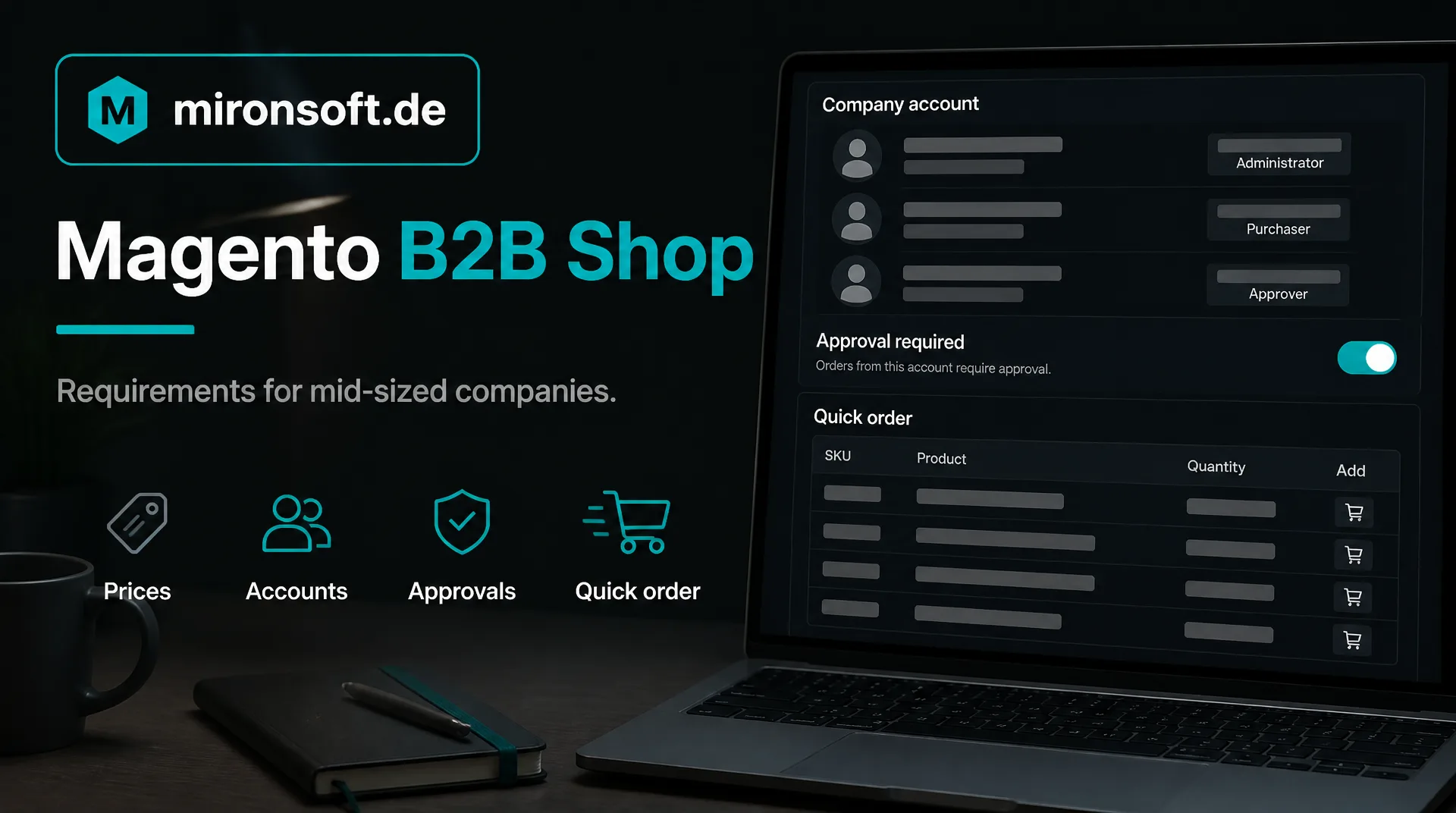
What a B2B shop in a mid-sized company must be able to do
A B2B shop follows different rules than a shop for private customers: customer prices, company accounts, reordering and connection to merchandise management. This guide shows what a Magento B2B shop should offer and what determines effort and costs.
Table of contents
- 1. Why a Magento B2B shop works differently
- 2. The most important functions at a glance
- 3. Customer prices and visibility in the Magento B2B shop
- 4. Company accounts, roles and approvals
- 5. Ordering in daily work: quick order, reorder, quote
- 6. Connection to ERP and merchandise management
- 7. Effort and costs: what determines the price
- 8. How we support you with the B2B shop
- 9. Summary
- 10. FAQ
1. Why a Magento B2B shop works differently
In business with companies people rarely buy on impulse. They order repeatedly, often the same articles, at agreed prices and frequently on invoice. Several people in the company are involved: one orders, another approves, a third pays. A Magento B2B shop maps these processes instead of leaving them in emails and phone calls.
The benefit is tangible. Your customers order around the clock themselves, your inside sales is relieved of routine, and typing errors disappear. For this the shop must be able to do more than an ordinary online shop. Which functions belong to it is shown in the next section.
This guide is aimed at managing directors and sales managers in mid-sized companies who are planning a B2B shop or want to extend their existing one. An overview of our service is on the page about the [B2B shop](b2b).
2. The most important functions at a glance
| Function | What it is good for | What to watch |
|---|---|---|
| Customer specific prices | Agreed prices, tiers and discounts per customer | Where prices come from, care in the ERP or in the shop |
| Company accounts with roles | Several people, own rights, approvals | Which roles your customers really need |
| Quick order | Enter article numbers and quantities directly or upload | Format of the lists and error messages |
| Reorder and wish lists | Recurring orders with few clicks | Availability and price changes |
| Quote request | Negotiate prices, accept the quote in the account | Define the process in sales |
| Payment on invoice | Payment term after a check | Credit check, credit limit |
| Catalog only after login | Prices and articles only for approved customers | Effect on search engines |
Not every Magento B2B shop needs all functions. Begin with those that bring the greatest gain to your daily work and extend later. Whoever builds everything at once pays for functions that nobody uses.
3. Customer prices and visibility in the Magento B2B shop
The heart is the price logic. Every customer sees their own price, either through customer groups or through individual price lists. Some businesses show prices only after login, others public list prices and the conditions after login. Both are possible but have consequences for findability on Google and for care.
Decisive is the question where the prices are kept. If they are in the ERP, they should flow from there into the shop instead of being maintained twice. The technical implementation of the price display in the frontend is described in the post Customer group specific price display, the connection in the guide to ERP integration.
A practical tip: begin with the conditions of your ten most important customers and check whether groups can be formed from them. Often fewer price rules are needed than feared, and a Magento B2B shop stays clear and easier to maintain.
4. Company accounts, roles and approvals
In a company rarely only one person orders. A company account combines several users who have different rights: buyers, clerks, management. Typical are order limits at which an approval is necessary above a certain amount, and a common view of orders and invoices.
This lowers the effort on both sides. Your customer keeps control over their spending, and you do not have to manage access data by hand. The functions for company accounts, roles and approvals are part of the B2B package of Adobe Commerce. In Magento Open Source they are implemented through extensions or individual development. What to consider is described in the post [B2B company accounts in Magento 2](b2bfirmen).
Before the start talk to two or three customers about how they actually order. Are there approvals, several locations or separate budgets? From these conversations it becomes clear which roles your Magento B2B shop needs, and you avoid a function that sounds good but nobody uses.
5. Ordering in daily work: quick order, reorder, quote
A buyer who orders twenty items does not want to open twenty product pages. With a quick order the buyer enters article numbers and quantities or uploads a list, and the shop reports what is missing or not available. For repeat customers there are wish lists and reordering from earlier orders.
For larger quantities or special wishes the quote request comes into play: the customer sends a request, your sales team answers with a price, and the customer accepts the offer in the account. How quick order and bulk entry are implemented technically is described in the post [Hyvä B2B features in the theme](hyvab2b).
For sales the quote function is particularly interesting because it does not replace the phone call but prepares it. The customer names quantity and desired date in the shop, your inside sales sees the request completely and no longer has to ask. That saves time and lowers the error rate with special wishes.
6. Connection to ERP and merchandise management
A Magento B2B shop unfolds its value only with the connection to merchandise management. Prices, stock and articles come from the ERP, orders, customer master and invoice data flow back. Without this connection the manual work only moves from the phone to data maintenance.
Which way fits depends on the system. For SAP read the guide to the SAP interface, for Microsoft systems the guide to Navision and Business Central, for a comparison of the technical ways the guide to ERP integration.
Plan the connection from the beginning. If the Magento B2B shop is built without the ERP first and connected later, prices, customers and article numbers have to be assigned afterwards. That is possible but more elaborate than designing it in one go.
7. Effort and costs: what determines the price
A flat figure for a Magento B2B shop would be unreliable, because the range is wide. The effort depends on the number of functions, the way of connecting the ERP, the number of special cases with prices and customers and the design. The choice between Adobe Commerce with the B2B package and Magento Open Source with extensions also changes the budget.
Ask your provider for a written estimate that lists the functions individually, and for the ongoing costs for hosting, maintenance and licenses. We estimate after an inventory, the hourly rate is 30 euros net, see pricing. General hints on costs are in the guide Magento costs.
Part of the costs arises only after the start: hosting, updates, security care and further development. Include these ongoing items from the beginning and compare quotes over several years, not only for the build.
8. How we support you with the B2B shop
We are a web agency in which fixed freelancers work together, all from home offices. We advise on the choice of functions, build the shop with the fast Hyvä frontend and connect your ERP project by project. Source code and access stay with you, and ongoing care can be regulated through a maintenance contract.
This guide gives general orientation. For a first conversation a short message through our contact page is enough.
9. Summary
A Magento B2B shop maps the processes in business with companies: customer prices, company accounts, approvals, quick order and connection to the ERP. The effort depends on functions, connection and special cases.
Magento B2B shop at a glance
Functions
Begin with the greatest benefit and extend later
Prices
Clarify where prices are kept and avoid double maintenance
Company accounts
Roles, limits and approvals according to your customers need
ERP
Synchronize prices, stock and orders automatically
Note: This article offers general orientation. Scope of functions and costs depend on the individual case.