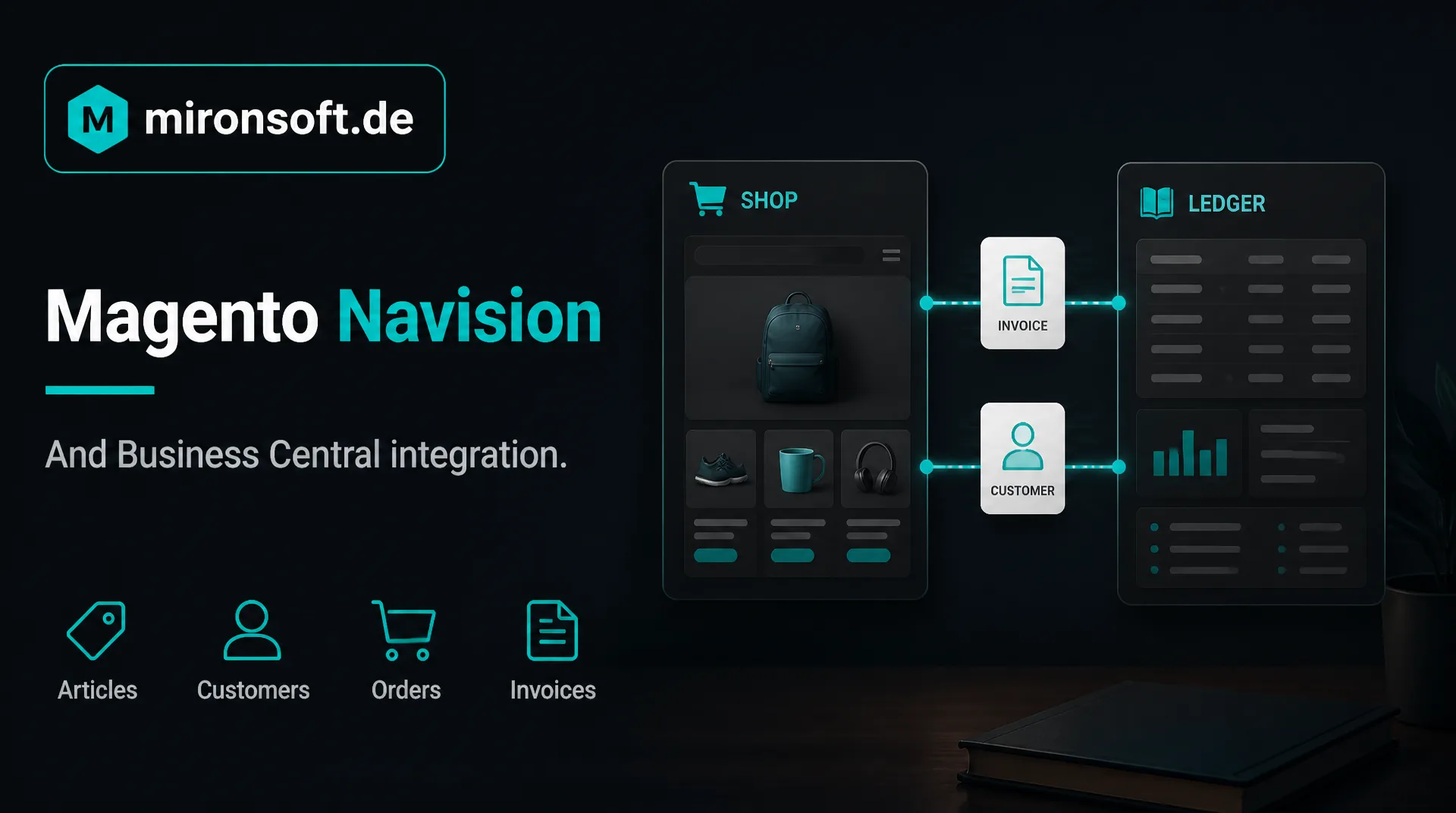
The integration with your Microsoft ERP at a glance
Many mid-sized companies run their business in Navision or its successor Business Central and want to connect an online shop to it. This guide explains how a Magento Business Central integration works and what you should watch.
Table of contents
- 1. Navision, Dynamics NAV and Business Central: how the names relate
- 2. What the connection of Magento and Navision achieves
- 3. The ways to a Magento Business Central integration
- 4. Articles, prices, stock and customers
- 5. Orders, payments and documents
- 6. Pitfalls with Magento, Navision and Business Central
- 7. Project process and what determines the effort
- 8. How we support you with the integration
- 9. Summary
- 10. FAQ
1. Navision, Dynamics NAV and Business Central: how the names relate
Navision was for a long time the common name of an ERP system that later ran under the name Microsoft Dynamics NAV. Microsoft Dynamics 365 Business Central has grown out of this system. In daily speech many people still say Navision when they mean their system, even if they already work with Business Central. For the connection to Magento the exact name matters, because version and operating mode determine the interfaces.
Business Central exists as a cloud solution and for operation in your own house. Navision installations often run for many years and were adapted over time. That makes every integration a little individual. A Magento Navision interface therefore always begins with the question which version you use and who looks after your system.
A general overview of integrations is in the guide to ERP integration, and our service is described on the page about the ERP interface.
2. What the connection of Magento and Navision achieves
The Magento Navision connection makes sure that your online shop and your ERP have the same state. Articles, prices and stock come from the ERP into the shop. Orders, new customers and payments go from the shop into the ERP. Feedback such as shipping status, invoices and delivery notes flows back and is available to the customer in the account.
The gain of Magento Navision lies in the time you no longer spend retyping and in fewer errors. Especially in business with business customers it also counts that customer prices, conditions and payment terms come from the ERP and are not maintained twice in the shop. What such requirements look like in the shop is described in the guide to the [B2B shop](b2bshop).
Whoever connects Magento Navision also gains transparency: evaluations of sales and stock arise from a common database, and customer inquiries can be answered faster because the service sees the same state in the ERP as the customer in the shop.
3. The ways to a Magento Business Central integration
| Way | How it works | Suitable if | Watch for |
|---|---|---|---|
| Direct connection via web services or API | The shop calls the ERP and vice versa | Interfaces in the ERP are released and stable | Error handling and load must be planned cleanly |
| Middleware | A mediating system converts data and buffers errors | Several systems are involved | Additional operation and additional costs |
| File exchange | Lists are stored and read in agreed formats | Real time is not needed | Delay, formats must be maintained |
| Ready-made add-on module | An existing product takes over the connection | Your process is standard | Check adaptability, care by the vendor |
Which way fits your Magento Navision project is decided by data volume, timeliness and operation. For Business Central, web services and an API are available, and extensions in the system are written in the language AL. With older Navision versions the options differ, so we check them per version before we suggest a way.
4. Articles, prices, stock and customers
With articles and prices the question is which data should appear in the shop. Not every article in the ERP belongs in the shop, and not every internal designation is suitable for customers. A Magento Navision integration therefore transfers only released articles and links them with the texts and images in the shop.
With stock you define whether the shop shows the exact quantity, a traffic light or a delivery time, and from which warehouse it calculates. With customers you decide whether new customers are created in the shop and in the ERP or are checked first. Especially with company customers a check makes sense before they may buy on invoice.
A clean assignment of numbers is the foundation. Articles, customers and documents must be found unambiguously in both systems, otherwise duplicates arise that have to be cleaned up at great effort later.
5. Orders, payments and documents
Every order is created as a sales order in the ERP. Items, prices, tax, shipping method and payment method must fit. With prepayment or online payment the ERP must know the payment receipt, with a purchase on invoice it creates the invoice after delivery. Which variant applies you define beforehand.
Status messages, tracking numbers and invoices as PDF go back into the shop. This way the customer can retrieve the documents in the account, and your service has to ask less. It is important that every order is transferred only once, even if a connection breaks in between.
6. Pitfalls with Magento, Navision and Business Central
What we watch especially in projects
- ✓Adapted Navision version: own extensions in the ERP change the interfaces.
- ✓Unclear data ownership: prices or customer data are changed in both systems.
- ✓Missing monitoring: a failed transfer is noticed only after days.
- ✓Updates in the ERP: after a version change the interface no longer works.
- ✓Special cases: partial deliveries, returns, credit notes and foreign orders.
These Magento Navision pitfalls can be planned. A log that makes every error visible and an agreement on updates in the ERP prevent most failures. You can regulate ongoing care within a maintenance contract.
A Magento Navision interface should also be built so that it does not break during short outages of the ERP but buffers transfers and catches up later. That increases reliability in daily work considerably.
7. Project process and what determines the effort
A project begins with the inventory: version, operation, existing access, contact persons in the ERP. From it a Magento Navision concept arises that records data flows, data ownership and special cases. Then the work is done on a test system and tested with real sample data. The start is made step by step, first articles and prices, then stock, finally orders.
The effort of a Magento Business Central integration is determined by the number of data types, the quality of the interfaces in the ERP, the special cases and the required timeliness. A flat figure would be unreliable. After the inventory we estimate in writing, the hourly rate is 30 euros net, see pricing. General hints are in the guide Magento costs.
Whoever wants to limit the effort for Magento Navision early starts with the smallest sensible scope, for example orders and stock, and extends later by prices and documents. This way you see results quickly and can use the budget in stages.
8. How we support you with the integration
We are a web agency in which fixed freelancers work together, all from home offices. We develop the connection between Magento and your ERP project by project, according to your processes and with documented rules. Source code and access stay with you.
For a first conversation a short message through our contact page is enough. Please name your system and version, then we can assess the feasibility specifically.
Especially with adapted Navision systems an honest word at the start is important: after the inventory we tell you what is feasible, where there are risks and what we consider sensible, even if that means omitting a sub-project.
9. Summary
A connection between Magento and Navision or Business Central synchronizes articles, prices, stock, orders and documents. Decisive are version and operation of the ERP, clear data ownership and monitoring in ongoing operation.
Magento Navision and Business Central at a glance
Names
Navision, Dynamics NAV and Business Central denote stages of the same system
Ways
Direct connection, middleware, file exchange or add-on module
Planning
Clarify version and operation, define data ownership, start step by step
Operation
Error log, agreement on updates and care
Note: This article offers general orientation. The concrete feasibility depends on version and configuration of your ERP.