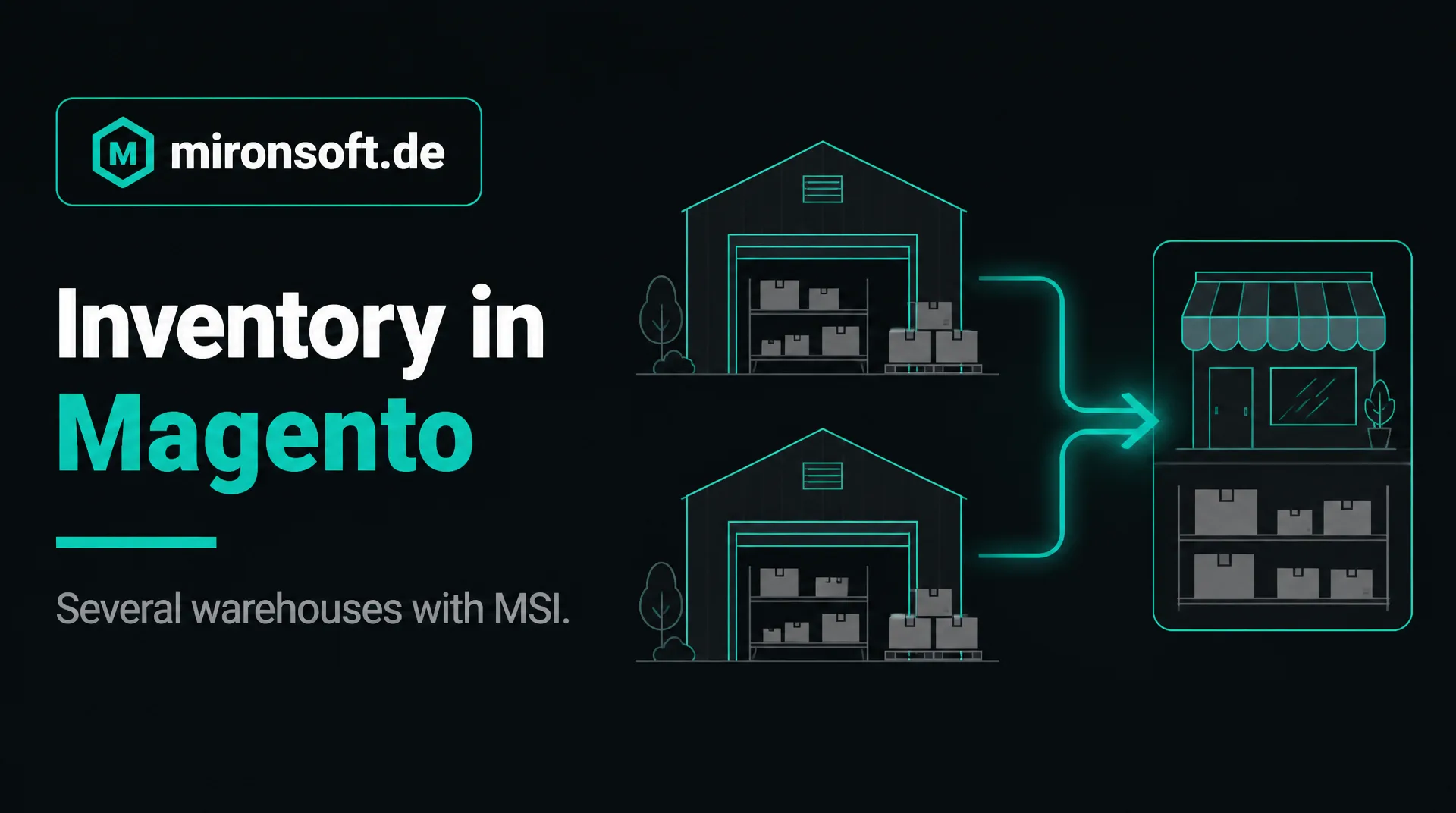
Keeping several warehouses with MSI
With Multi-Source Inventory Magento brings a basis for several warehouses. This guide explains how inventory management in Magento works, where the standard ends and what can be added in the admin.
Table of contents
- 1. How Magento manages stock: sources, stocks and salable quantity
- 2. Setting up several warehouses: sources, stocks and sales channels
- 3. From which warehouse is it delivered? Source selection
- 4. Where the standard ends
- 5. What can be added: goods receipt, stocktaking, transfer
- 6. Typical pitfalls of inventory management in Magento
- 7. When an external system manages the stock
- 8. How we support you
- 9. Summary
- 10. FAQ
1. How Magento manages stock: sources, stocks and salable quantity
Since version 2.3 Multi-Source Inventory (MSI) is part of Magento. Inventory management in Magento thus works with three terms: a source is a physical place where goods lie, for example a warehouse or a store. A stock combines sources and is assigned to a sales channel. The salable quantity results from the stock of the sources minus reservations.
Whoever has only one warehouse uses single source mode with a default source and notices little of MSI. Only with several warehouses or stores does the structure become important. Then inventory management in Magento decides with every order from which source the goods come.
This guide explains the basics and shows where the standard ends. We describe our service on the page Magento inventory management.
2. Setting up several warehouses: sources, stocks and sales channels
First you create the sources, with name, code and address. Then you assign the quantity per source to each product, either on the product or by import. After that you combine sources into stocks and assign them to the sales channels, that is the websites.
Plan the structure in advance: which warehouses exist, which deliver to which countries, and should a store sell online too? A clean structure at the start saves rebuilding later because inventory management in Magento is tied to sources, stocks and channels.
After setup check with test orders whether the salable quantity per website is right. Especially with several websites with different stocks, errors show quickly.
Also think of care in daily work: who creates new products with quantities, who may change sources, and how is stock reconciled? Inventory management in Magento is only as reliable as the rules by which your team uses it. Define these rules in writing before operation begins, and train everyone who changes stock.
3. From which warehouse is it delivered? Source selection
For a shipment an algorithm decides from which source the goods come. The default is assignment by priority: the source with the highest priority that has enough stock is used first. Depending on the version further algorithms are available, which you should check in the documentation of your version.
For many businesses priority is enough if it is maintained cleanly. Special rules, for example delivery from the nearest warehouse or precedence for customers from certain countries, can be added as an extension. Inventory management in Magento remains the basis.
It is important that employees can follow the assignment in the admin and change it if needed, for example when a warehouse fails.
Check the selection with test orders for every combination of warehouse, country and product that occurs in your daily work. This shows early whether inventory management in Magento actually delivers as you expect, and you can correct priorities before real customers are affected.
4. Where the standard ends
MSI maps stock and its assignment. It knows no goods receipt as a process with a document, no stocktaking with count list and difference posting, no transfer between sources as a process and no movement history per item. Whoever lets several people book or must prove why a stock changed reaches limits here.
Batches, serial numbers, bin locations and scanners do not belong to it either. For simple to medium warehouses inventory management in Magento with additions is enough, for complex warehouses a merchandise management system is better, see Merchandise management, ERP and PIM.
Honesty is the best strategy here: check which of these functions you really need daily, and decide only then.
5. What can be added: goods receipt, stocktaking, transfer
The typical gaps can be closed in the admin. A goods receipt records supplier, delivery note and quantity and books to the target warehouse. A stocktaking generates a count list, records the counted quantities and books the difference with a document. A transfer books goods out of one source and, after confirmation, into the other.
In addition there are minimum stocks with a warning list, reorder suggestions and a movement history per item. This makes inventory management in Magento traceable: for every number there is a document. We describe the areas on the page Magento inventory management.
We build this project by project and use what Magento brings instead of rebuilding it. We have already implemented some of it for customers and adapt it on request.
The history is especially valuable. When a customer complains, a stock deviates or an audit is due, it shows in seconds who booked what when. This traceability is the real gain when you extend inventory management in Magento with documents, and it saves the long search in tables and mailboxes with every deviation.
6. Typical pitfalls of inventory management in Magento
The most frequent mistake is a wrong opening stock. If goods receipts and sales are booked on a wrong basis, the errors run through everything. Therefore begin with a stocktaking. Equally frequent are quantities that are simply overwritten on the product without anybody recording the reason.
Another point is reservations: open orders block stock that was long delivered if shipments are not booked cleanly. Maintained priorities in source selection are also often forgotten so that orders run from the wrong warehouse.
Returns need a rule: is returned goods checked and booked in again, kept as second-choice goods or booked out? Without an answer stock arises that does not exist on the shelf.
7. When an external system manages the stock
If a merchandise management system or a logistics partner manages the stock, the integration is the better way than a second stock management. Then there is a leading source, and the stock comes into the shop through an interface. Inventory management in Magento then limits itself to displaying the salable quantity.
Examples are JTL-Wawi, plentymarkets or a fulfillment partner. It is important to define the rhythm of the transfer so that overselling is avoided, and to have a fallback rule for outages.
The page on the Magento connector shows which systems we connect.
8. How we support you
We are a web agency in which permanent freelancers work together, all from home offices. We extend inventory management in Magento project by project, according to your warehouse process and with documented rules, and we do not sell a ready-made warehouse program off the shelf. The effort is estimated in writing after an inventory, the hourly rate is 30 euros net, see prices.
This guide gives a general orientation. For a first conversation a short message through our contact page is enough. Describe your warehouse, and we tell you honestly what MSI already does and what is missing.
9. Summary
Inventory management in Magento works with sources, stocks and a salable quantity. For several warehouses MSI is a good basis, and goods receipt, stocktaking and transfer as processes can be added in the admin.
Inventory management in Magento at a glance
Basics
Sources, stocks, reservations and salable quantity
Source selection
By priority by default, further rules per version or as an extension
Gaps in the standard
Goods receipt, stocktaking, transfer and history as a document
External system
With complex warehouses connect the leading system
Note: This article gives a general orientation. Functions depend on version and configuration.