When it is really urgent
Not every Magento security update is an emergency, but some tolerate no delay. This guide shows how to recognize urgency, how a patch is installed safely and what you can do so that you do not have to act under time pressure.
Table of contents
- 1. Why a Magento security update should not wait
- 2. Assessing urgency: three levels
- 3. Process: how a Magento security update is installed safely
- 4. Warning signs: when the shop may already be affected
- 5. Checklist: seven points for your Magento security update
- 6. Prevention: regularity beats haste
- 7. Common misconceptions about the Magento security update
- 8. How we install a Magento security update
- 9. Summary
- 10. FAQ
1. Why a Magento security update should not wait
The vendor publishes security updates several times a year. They close vulnerabilities that have become known. From the moment of publication not only operators but also attackers know the weakness. Postponing a Magento security update therefore means leaving a known risk open on purpose.
That does not mean every update must go live immediately. There are differences in severity and in whether a vulnerability is actually being exploited. What matters is that you have a clear rule: who assesses, who tests, who installs. Without a rule, chance decides.
This guide helps you assess urgency and install the update safely. How ongoing care looks contractually is described in the guide Magento maintenance contract.
2. Assessing urgency: three levels
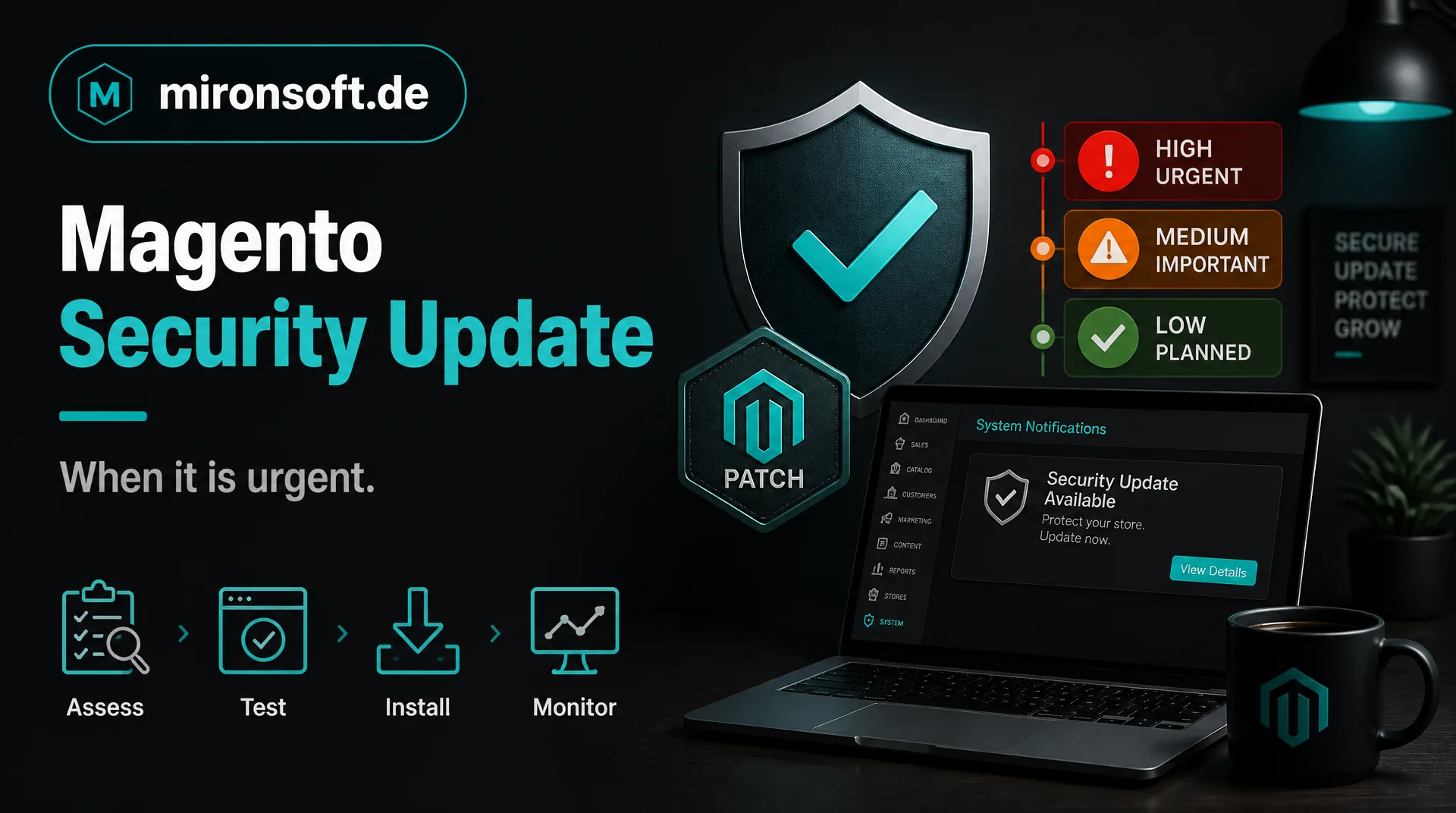
A Magento security update can be roughly classified into three levels. The table shows how to recognize the level and how fast to act.
| Level | Characteristic | Frame for action |
|---|---|---|
| Acute | Vulnerability is exploited or reachable from the internet without login | As fast as possible, after a short test |
| High | Severe vulnerability, but exploitable only under certain conditions | Within a few days, with a regular test |
| Normal | Low risk or relevant only for administrators | In the next planned maintenance window |
The classification rests on the vendor information in its security announcements and on your own situation. If your shop does not use the affected module at all, the risk drops. Conversely, a shop with many third-party modules depends on additional checks. The assessment should therefore be made by someone with Magento experience.
A practical example: if a vulnerability affects only the admin area and access is protected by two-factor login and an address restriction, the level can be lower. If checkout or the customer account is affected, urgency rises because payment and personal data lie there. Record your assessment briefly in writing so that it stays traceable why action was taken when.
3. Process: how a Magento security update is installed safely
An update runs in five steps. First the announcement is reviewed and the urgency assessed. Then the update is installed on a test environment with current data. In the third step the most important flows are checked: home page, category, product page, cart, checkout, payment methods, customer account and emails.
In the fourth step go-live follows with a current backup and a fallback plan. In the fifth step the shop is watched in the first hours. For acute vulnerabilities the process is shortened but not skipped. A Magento security update without a test can cause an outage that costs more than the risk it was meant to fix.
Third-party extensions need special attention. Not every module tolerates every version. So check whether vendors have published adjustments. Schedule installation outside the peak times of your shop, if needed in a short maintenance window, and inform your team beforehand so that nobody changes products or prices at the same time. An upgrade to a new major version can also make sense, more in the guide Magento upgrade costs.
4. Warning signs: when the shop may already be affected
Sometimes a Magento security update is not installed in time, and the vulnerability is exploited. Warning signs are unknown administrators, changed files, unusual traffic, suddenly slow pages, redirects to foreign sites or unknown scripts in checkout.
Do not act alone if you suspect something
If you suspect an attack, change passwords, preserve the state and get professional help. Notification duties can exist where personal data is affected. Take legal advice in individual cases and contact your payment provider where payment data is involved.
Regularly check user accounts in the admin, file changes and unusual access. An audit of existing code is offered by our code audit, help with damage by the page on shop repair.
5. Checklist: seven points for your Magento security update
Seven points for fast and safe updates
- ✓Define who reads and assesses security announcements.
- ✓Keep a test environment with current data ready.
- ✓Keep a short test list for checkout, payment methods and account.
- ✓Check backup and fallback plan before every update.
- ✓Record extensions and their compatibility with the new version.
- ✓Check user accounts and files regularly for anomalies.
- ✓Agree response time and responsibility in writing.
With these points you react to a Magento security update calmly instead of hastily. Whoever has settled them in advance saves hours in an emergency.
6. Prevention: regularity beats haste
Shops that are maintained regularly have less effort with a Magento security update. The version is current, the extensions are tested and installing is routine. Shops with several years of backlog have to catch up first, and that costs time that is missing in an emergency.
Prevention also includes strong passwords, restricted access, two-factor login for administrators, regular backups and monitoring. These measures do not replace an update but reduce the damage if something goes wrong. An overview is on the page about security.
Whoever cannot do this alone hands the task to a provider. Our maintenance packages include security updates from 89 euros per month.
Also keep a simple log: which update was installed when by whom, with what result? This log helps with questions from insurers, payment providers or auditors and shows that you take your duty of care seriously.
7. Common misconceptions about the Magento security update
The first misconception: my shop is too small to be attacked. Attacks often run automatically against known vulnerabilities, regardless of size. The second misconception: hosting protects me. The host secures the server, not your shop and your extensions.
The third misconception: I can do the update later, everything is running. That is true until the vulnerability is exploited. The fourth misconception: an update is more dangerous than none. A tested, planned Magento security update is far less risky than an open shop.
8. How we install a Magento security update
We are a web agency in which fixed freelancers work together, all remotely from home offices. For a Magento security update we assess the urgency, test on a test environment and install with backup and fallback plan. The Basic package responds within 48 hours, Business within 24 hours. There is no emergency surcharge.
How we carry out updates is on the page about the update service. The hourly rate is 30 euros net, see the pricing page. This article is general orientation and not legal advice. For questions please use our contact page.
9. Summary
A Magento security update is urgent when the vulnerability is exploited or reachable from the internet without login. Even then the rule holds: test briefly, keep a backup ready, have a fallback plan.
Magento security update, the key points at a glance
Levels
Acute, high, normal: frame for action by severity and exploitability
Process
Assess, test, install with backup, observe
Warning signs
Unknown admins, changed files, foreign scripts, unusual traffic
Prevention
Regular care, backups, access protection and clear responsibility
Note: This article offers general information and does not replace legal advice in individual cases.