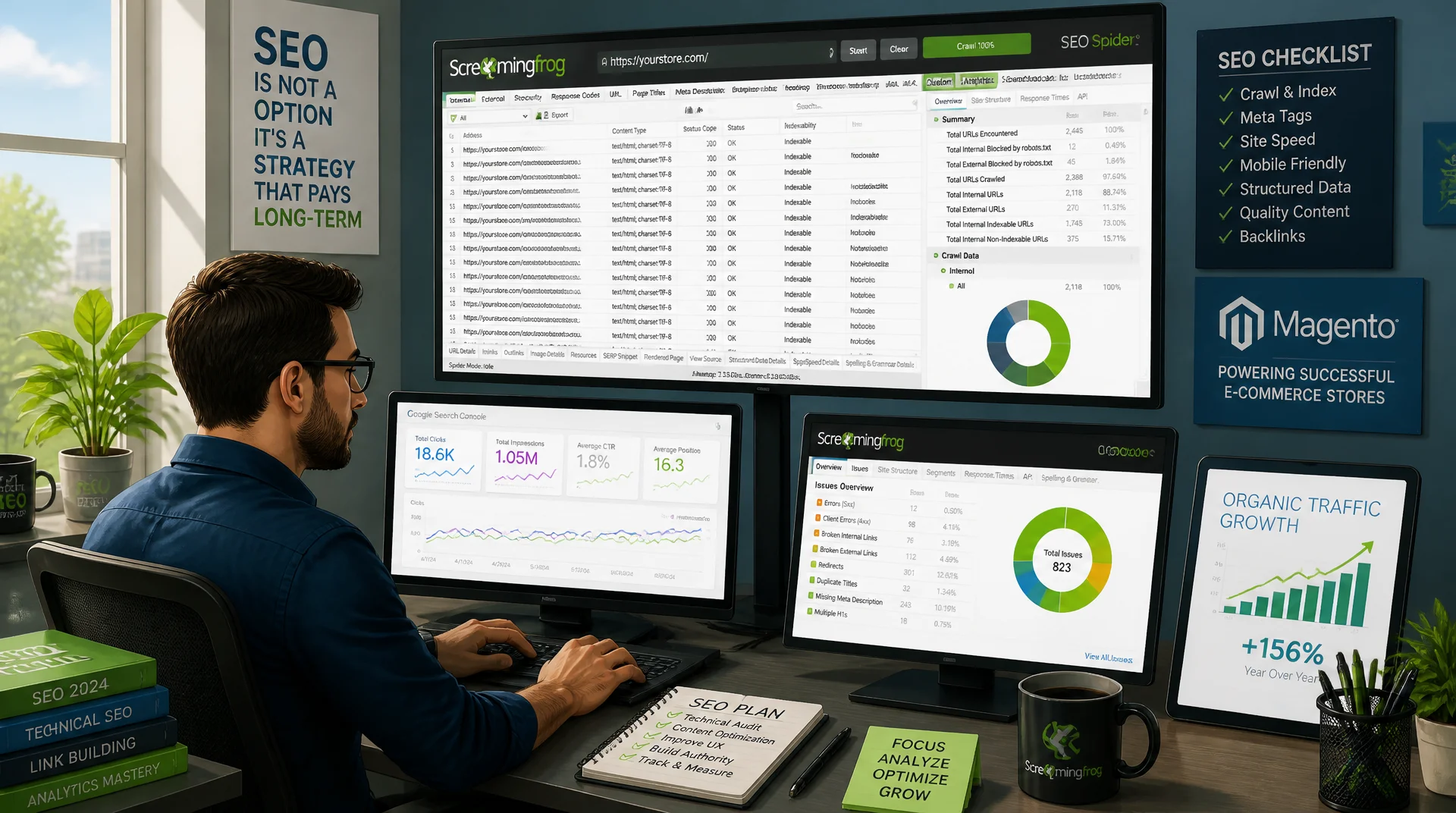
Crawl configuration, reports, and monitoring for Magento stores
Anyone keeping a Magento store with thousands of product and category pages technically clean cannot avoid Screaming Frog. Using the SEO Spider correctly spans a well thought out crawl configuration, evaluating the most important reports, integrating with Google Search Console, and running recurring crawls that surface regressions early, before they cost rankings and revenue.
Table of Contents
- 1. Setting up crawl configuration for large Magento stores
- 2. Using include/exclude rules and custom extraction effectively
- 3. Evaluating response codes systematically
- 4. Titles and meta descriptions: duplicate analysis
- 5. Evaluating canonicals and hreflang
- 6. Crawl budget and URL explosion from faceted navigation
- 7. Exporting and prioritizing findings into an action list
- 8. Integrating with Google Search Console and Analytics APIs
- 9. Scheduling recurring crawls and comparing results over time
- 10. Summary
- 11. FAQ
1. Setting up crawl configuration for large Magento stores
Screaming Frog's default settings are built for a blog with 200 pages, not a Magento store with 50,000 products and just as many filter combinations. Every audit therefore starts with a deliberate setup: Max Crawl Depth limits how deep the crawler goes into the category hierarchy, Max URLs to Crawl stops a single run from growing out of control, and the Speed setting with a reduced thread count protects the live server from noticeable extra load during business hours. For catalogs above 100,000 URLs, Database Storage Mode is mandatory instead of pure in-memory mode, otherwise the crawl crashes unpredictably once memory runs low.
The JS rendering mode decides whether Screaming Frog only reads a page as raw HTML or renders it like a real browser. Hyvä stores deliver most content server-side, so the faster Text Only mode is usually enough. As soon as Alpine.js injects content afterward, such as dynamic size tables or lazily loaded reviews, only JavaScript rendering gives a complete picture, visible as a discrepancy between the rendered screenshot and the raw HTML source in the right-hand panel.
# Headless crawl of a large Magento catalog with a memory-safe crawl limit
# JS rendering mode and thread throttling are stored inside the saved config file
screamingfrogseospider --crawl "https://shop.example.com/" \
  --headless \
  --config "magento-audit.seospiderconfig" \
  --output-folder "/audits/2026-07-11" \
  --export-tabs "Internal:All,Response Codes:All,Page Titles:All" \
  --bulk-export "Response Codes:Client Error (4xx) Inlinks,Canonicals:Canonicalised" \
  --save-crawl \
  --timestamped-output
2. Using include/exclude rules and custom extraction effectively
Without exclude rules, Screaming Frog crawls every sort, filter, and pagination URL that Magento's layered navigation generates, which with multi-level facets quickly reaches several million combinations. Regex excludes in the Configuration > Exclude tab keep the crawler away from parameters such as ?product_list_order=, ?p= beyond page 5, or ?customer_group=, so the crawl stays focused on genuinely indexable, unique pages. Configuration > Include further narrows the crawl to a subset, for example a single language version when only one store view needs to be checked.
Custom Extraction lets you pull any value directly during the crawl via XPath or CSSPath instead of opening pages manually. For Magento audits, price, stock status, and canonical target work particularly well as their own columns in the export file, so discrepancies between the displayed price and structured data or broken canonical chains surface in seconds across thousands of URLs through a filter, instead of being missed in spot checks.
<!-- Custom Extraction (Screaming Frog > Configuration > Custom > Extraction) -->
<!-- Extractor 1 (CSSPath): .price-box .price -> extracts the displayed price -->
<!-- Extractor 2 (XPath):  //div[@data-stock-status]/@data-stock-status -> extracts raw stock status -->
<!-- Extractor 3 (XPath):  //link[@rel="canonical"]/@href -> extracts the canonical target -->

<div class="price-box" data-price-amount="49.90">
  <span class="price">$49.90</span>
</div>
<div class="stock available" data-stock-status="IN_STOCK">
  In stock
</div>
<link rel="canonical" href="https://shop.example.com/product/sample-item.html">
3. Evaluating response codes systematically
The Response Codes tab is the first stop after every crawl: it cleanly splits 2xx, 3xx, 4xx, and 5xx by frequency and immediately shows whether structural problems exist. What matters is not just the raw count of 404 errors, but the Client Error (4xx) Inlinks filter, which shows how many internal pages link to each dead URL. A 404 page with 300 internal links clearly deserves priority over one only reachable from a forgotten test page.
Redirect chains are the second critical point: the Redirect Chains bulk export surfaces cases where an old product URL reaches its target through two or three hops instead of linking directly. Every extra redirect costs crawl budget and delays the passing of link signals. In Magento stores, such chains typically arise from repeated URL key changes without cleaning up the corresponding redirect table in the backend.
4. Titles and meta descriptions: duplicate analysis
The Page Titles tab automatically groups results by Duplicate, Missing, Over 60 Characters, and Below 30 Characters. In Magento stores, duplicate titles almost always come from automatically generated category-plus-filter combinations, for example when "Women's Shoes" and "Women's Shoes, Size 38" pull the same title tag from the category name because the filter page has no title template of its own. The Duplicate Details view lists exactly which URL clusters are affected, rather than just stating the total count.
The Meta Description tab works the same way and additionally often reveals missing descriptions on subcategories that were never maintained manually. Rather than fixing each URL individually, it pays to look at the underlying template: a dynamic title pattern with a filter-value placeholder in the Magento backend fixes hundreds of duplicate titles in a single change, and Screaming Frog confirms the fix immediately in the next crawl.
5. Evaluating canonicals and hreflang
The Canonicals tab shows four states that each need separate review: Canonicalised for pages with a different canonical target, Missing for pages without any canonical tag, Multiple for conflicting multiple declarations, and Non-Indexable Canonical when the canonical target itself is blocked by noindex. Faceted-nav pages in Magento often show a canonical pointing to the unfiltered category, which is correct; it only becomes a problem when pagination pages incorrectly canonicalize to page 1 instead of themselves and drop out of the index.
The Hreflang tab checks international stores for three typical error patterns: missing return links (Missing Return Links), inconsistent language codes between variants, and hreflang targets that are not themselves canonical. A sitemap export with broken hreflang pairs is the most common reason why international store views rank in the wrong language despite correctly maintained content.
<!-- Sitemap hreflang error: missing reciprocal link on the second URL -->
<url>
  <loc>https://shop.example.com/de/produkt/beispielartikel.html</loc>
  <xhtml:link rel="alternate" hreflang="de-DE" href="https://shop.example.com/de/produkt/beispielartikel.html"/>
  <xhtml:link rel="alternate" hreflang="en" href="https://shop.example.com/en/product/sample-item.html"/>
</url>
<url>
  <loc>https://shop.example.com/en/product/sample-item.html</loc>
  <xhtml:link rel="alternate" hreflang="de-DE" href="https://shop.example.com/de/produkt/beispielartikel.html"/>
  <!-- Error: reciprocal hreflang="en" entry pointing back to itself is missing -->
</url>
6. Crawl budget and URL explosion from faceted navigation
Layered navigation is the most common cause of runaway crawl volume in Magento stores. Fifty categories with ten filter attributes each produce, on paper, well over a million theoretical URL combinations, most of which deliver identical or near-identical content to a page that already exists. The URL growth graph in Screaming Frog during a running crawl shows plainly when the number of discovered URLs rises exponentially instead of linearly, a clear warning sign of uncontrolled facet combinations.
The countermeasure combines several layers: rel="nofollow" on filter links beyond the first facet, targeted Disallow rules in robots.txt for parameter combinations, and a canonical pointing to the base category. Before a robots.txt change goes live, it should be simulated via the exclude list in Screaming Frog to measure the actual effect on crawl size, instead of trusting production blindly.
7. Exporting and prioritizing findings into an action list
A crawl export with twenty tabs and a hundred thousand rows is not, by itself, an action list. The decisive step is turning it into a prioritized table by effort and impact: critical errors such as 404 pages with high internal link volume or missing canonicals on top categories come first, cosmetic meta description gaps on long-tail pages come last. Screaming Frog already provides a first automatic prioritization by error type and frequency via Crawl Analysis and the Overview tab.
In practice, a shared Google Sheet with columns for the finding, number of affected URLs, estimated traffic impact from the GSC integration, and ownership works well. That turns a raw technical data dump into a backlog that development and SEO can work through together, with clear tracking of which items were actually fixed in the next crawl.
8. Integrating with Google Search Console and Analytics APIs
Under Configuration > API Access, Screaming Frog connects the crawl directly to the Google Search Console API and Google Analytics 4. Every crawled URL is then automatically enriched with real clicks, impressions, CTR, and position, data that no plain crawl can provide but that is essential for prioritization. A page with a technical error and high click volume deserves immediate attention, while a broken page with zero traffic can usually wait.
The GA4 integration also surfaces orphaned pages: URLs that show traffic in Analytics but receive little or no internal linking in the crawl, as well as the reverse, crawled pages with no traffic at all. Both patterns point to structural navigation problems that would go undetected without the combined view of crawl and analytics data.
{
  "api_access": {
    "google_search_console": {
      "auth_type": "oauth2",
      "property": "https://shop.example.com/",
      "date_range_days": 90,
      "sync_fields": ["clicks", "impressions", "ctr", "position"]
    },
    "google_analytics_4": {
      "auth_type": "oauth2",
      "property_id": "properties/123456789",
      "metrics": ["sessions", "conversions", "engagementRate"]
    }
  },
  "crawl_join": {
    "match_on": "url",
    "purpose": "Verify orphaned URLs with GSC clicks and zero internal links"
  }
}
9. Scheduling recurring crawls and comparing results over time
A one-off audit crawl only describes a single snapshot. The real value comes from recurring crawls that run after every deployment or at least weekly. Screaming Frog's built-in Scheduling task or a cron-driven CLI script handle this automatically, including exporting the relevant tabs as CSV into a timestamped archive, without anyone having to trigger the crawl manually.
Screaming Frog's Compare mode puts two crawls side by side and automatically flags new 404 errors, changed title tags, lost canonicals, or a dropped word count. This catches regressions after a faulty release before Google recrawls the affected pages and ranking losses become visible in Search Console, a decisive time advantage over purely reactive monitoring.
#!/bin/bash
# Scheduled crawl every Monday at 03:00 via cron, diffed against the previous run
# Crontab entry: 0 3 * * 1 /opt/seo/crawl-and-diff.sh

TODAY=$(date +%F)
PREV=$(ls -1 /audits | tail -n 1)

screamingfrogseospider --crawl "https://shop.example.com/" \
  --headless --config "magento-audit.seospiderconfig" \
  --output-folder "/audits/${TODAY}" \
  --bulk-export "Response Codes:All,Canonicals:All,Hreflang:All" \
  --save-crawl

# Compare today's response codes export against the previous crawl to flag regressions
diff "/audits/${PREV}/response_codes_all.csv" "/audits/${TODAY}/response_codes_all.csv" \
  > "/audits/${TODAY}/regressions.diff"

mail -s "Screaming Frog Audit ${TODAY}: Regressions" seo@mironsoft.de < "/audits/${TODAY}/regressions.diff"
Screaming Frog settings compared side by side
Many audit mistakes do not come from a lack of SEO knowledge but from an incorrect base configuration of the crawler itself. The table below shows the most common misconfigurations and their correct setting.
| Setting | Wrong configuration | Correct configuration | Why it matters |
|---|---|---|---|
| JS rendering | Always Text Only | JavaScript enabled for Alpine.js content | Otherwise late-loaded content is never captured |
| Crawl limit | No limit set | Max URLs / Max Crawl Depth defined | Prevents uncontrolled memory overflow |
| Exclude rules | No regex excludes | Facet parameters excluded via regex | Crawl budget is not wasted on duplicate URLs |
| Storage mode | Memory storage on a large catalog | Database Storage Mode enabled | Crawls above 100,000 URLs stay stable |
| User agent | Default Screaming Frog UA | Simulate the Googlebot UA | Reveals real server behavior toward Google |
In practice, these settings reinforce each other: a crawl limit that is too generous without exclude rules fills database mode with thousands of worthless facet URLs before a single real product page has even been checked. Running through the table as a checklist before every audit saves hours of cleaning up export data afterward.
Mironsoft
Technical SEO audits, crawl setup, and monitoring for Magento stores
Need a technical SEO audit with Screaming Frog?
We configure the crawl for your Magento store, evaluate the relevant reports, and set up recurring crawls with regression detection, so technical problems stand out before they cost you rankings.
Crawl configuration
Custom setup for JS rendering, limits, and exclude rules
Technical audit
Prioritized action list from response codes, canonicals, and hreflang
Monitoring setup
Scheduled crawls, GSC integration, and regression alerts
10. Summary
Screaming Frog only shows its full value with a crawl configuration tailored to the size and structure of a Magento store: sensible crawl limits, Database Storage Mode for large catalogs, targeted JS rendering, and exclude rules against the URL explosion caused by faceted navigation. The core reports on response codes, titles, canonicals, and hreflang don't just provide raw data, they also give a clear prioritization of which problems to fix first, through filters like inlink count and duplicate details.
The real difference between a one-off audit and sustainable technical SEO lies in repetition: scheduled crawls, a comparison against the previous run, and enrichment with Search Console and Analytics data turn Screaming Frog from a one-time tool into a continuous early-warning system for regressions after every deployment.
Screaming Frog for Magento Audits - The Essentials at a Glance
Crawl configuration
Set crawl limits, Database Storage Mode, and targeted JS rendering for Alpine.js content.
Evaluate reports
Prioritize response codes by inlinks, filter duplicate titles and broken canonicals precisely.
Protect crawl budget
Shield facet URLs from the URL explosion with exclude rules and robots.txt.
Monitoring & integration
Connect the GSC/GA4 API, schedule crawls, and catch regressions with Compare mode.