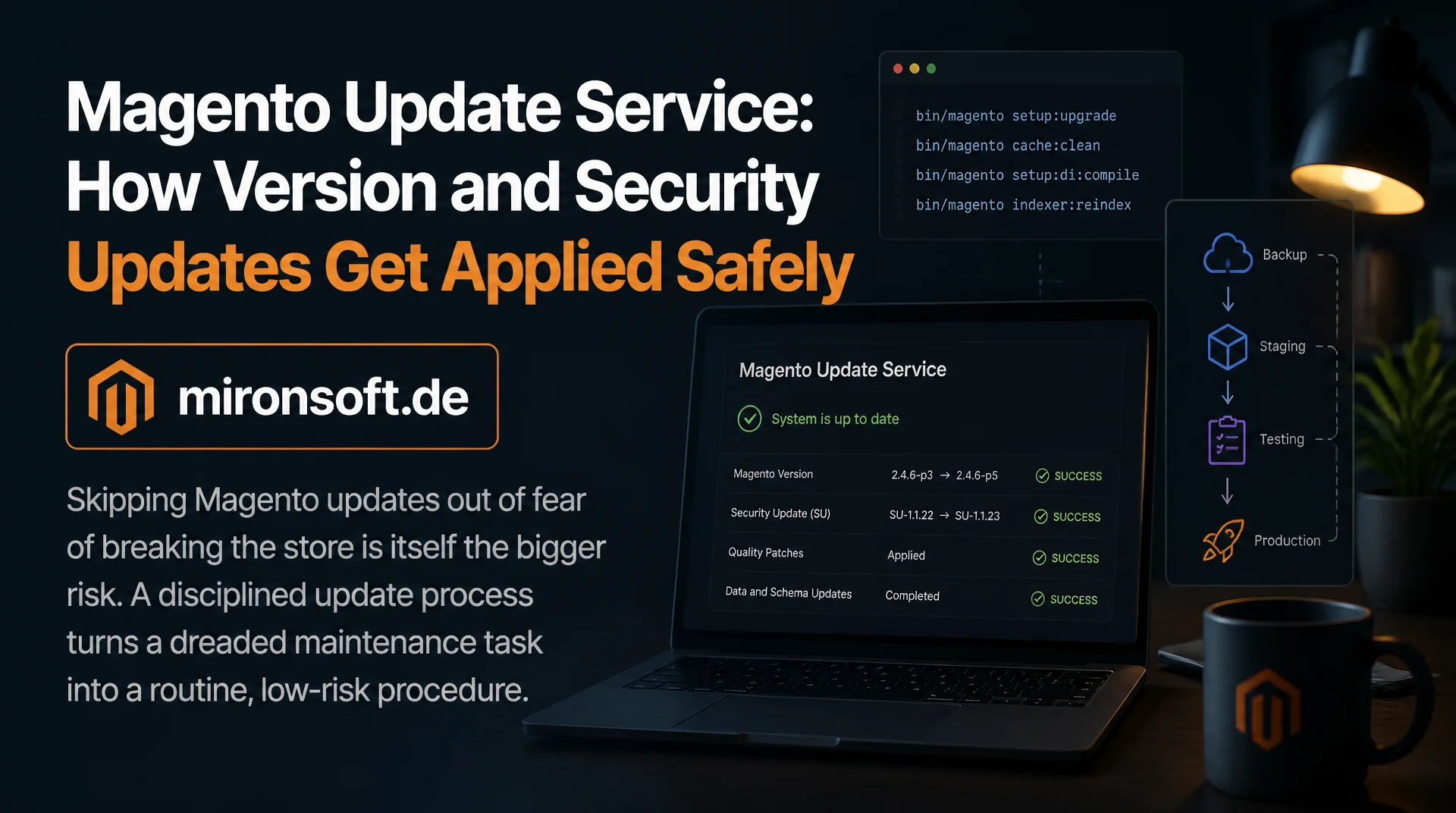
How version and security updates get applied safely through a staging pipeline, test automation, and a clear rollback strategy
Applying a Magento update to production is not a single Composer command, it is a process with several critical steps, and skipping any one of them raises the risk of an outage. A structured update service differs from ongoing maintenance in that it focuses specifically on the update itself: resolving Composer constraints correctly, testing changes on a staging environment first, running automated tests before production deployment, and keeping a working rollback strategy ready just in case. This article shows how such an update process is actually built.
Table of Contents
- 1. Update service versus ongoing maintenance: an important distinction
- 2. Understanding Composer constraints and version compatibility
- 3. Staging pipeline for updates: from a copy to sign-off
- 4. Test automation before production deployment
- 5. Third party extensions as the biggest update risk
- 6. Zero downtime deployment strategy for updates
- 7. Rollback strategy for when an update goes wrong
- 8. Update cadence: how often to update
- 9. Update cycle at a glance
- 10. Summary
- 11. FAQ
1. Update service versus ongoing maintenance: an important distinction
Ongoing maintenance covers continuously watching over a store day to day, such as monitoring, minor bug fixes, and general operational readiness, while an update service specifically focuses on the actual process of a version or security update. That distinction is more than semantics, because an update is a one-off, risk laden event with a clear start and end, while maintenance is an ongoing state with no defined completion.
A company can therefore have solid ongoing maintenance and still fail at a specific update if the update process itself is not structured, for instance because Composer constraints are unclear or no staging environment exists on which the update can be tested beforehand. A dedicated update service closes exactly that gap, regardless of how well daily maintenance is otherwise organized.
2. Understanding Composer constraints and version compatibility
Every Magento update changes not just the Magento core, but also affects the version requirements of every installed third party extension, which are often bound to a specific Magento version through tight version ranges in composer.json. Before an update even starts, it has to be verified whether a compatible version exists for every installed extension for the target Magento version, otherwise the Composer update command aborts with a conflict.
A composer why-not command pinpoints exactly which dependency is blocking the desired target version in such a conflict, making it far more efficient than a trial and error approach with repeated composer update runs. For extensions without an available update to the target version, a decision has to be made before the actual Magento update: replace the extension with an alternative, disable it temporarily, or patch it directly.
# Shows which dependency is blocking an update to a specific version
composer why-not magento/product-community-edition 2.4.8

# Simulates the update without actually changing anything, to spot conflicts upfront
composer update --dry-run magento/product-community-edition
3. Staging pipeline for updates: from a copy to sign-off
Every update should run on a staging environment first, using as current a copy of the production database as possible together with an identical server configuration, so the results measured there actually transfer to the production environment. A stale or heavily divergently configured staging environment creates a false sense of security when the update succeeds there but still fails on production due to different PHP extensions or server resources.
After a successful update on staging, a structured acceptance phase follows, running both automated tests and a manual check of the most important business processes, such as checkout, search, and the customer account. Only after that sign-off does the same, already tested update process get repeated on production, instead of running the update there from scratch, untested.
4. Test automation before production deployment
An automated test suite that covers at least the critical business processes as end-to-end tests, for instance through MFTF or comparable test automation, delivers an objective, repeatable result after every update on staging instead of a purely subjective manual assessment. These tests should not just run after every major version jump, but as a fixed part of every update cycle, regardless of how small the update looks.
In addition to functional end-to-end tests, it is worth running automated PHPUnit integration tests as well as a static analysis pass, for instance with PHPStan, to make sure custom modules remain compatible with any Magento interfaces that may have changed. An update that technically completes but silently triggers a deprecation warning in production code should surface before production deployment, not after.
5. Third party extensions as the biggest update risk
The Magento core itself is usually well documented for updates with a clear changelog, while third party extensions are often the real source of failure during an update, especially when they reach deep into Magento's core classes instead of extending cleanly through plugins. Extensions using outdated preference overrides instead of plugins are particularly fragile during an update, since the overridden core class can change between versions without the extension automatically keeping up.
Before any major update, it is worth specifically checking which installed extensions use preferences instead of plugins, since exactly those spots deserve careful cross checking against the new Magento version's changelog. Extensions from vendors who have not published a current compatibility statement for the target version should generally be contacted before the update or replaced with a tested alternative.
6. Zero downtime deployment strategy for updates
An update that puts the store into maintenance mode for several hours is unacceptable for most production Magento stores, which is why a zero downtime approach through symlink based releases should be the standard. The full update gets prepared in a new, fully independent release directory, and only the final symlink switch to that new directory makes the update visible to visitors, reducing that step to milliseconds.
Database changes, such as new columns or indexes added by setup:upgrade, have to be designed so both the old and new codebase can briefly work in parallel against the same database schema, in case requests still being served by the old codebase are in flight during the symlink switch. Purely additive schema changes, that neither drop nor rename anything, generally satisfy that requirement automatically.
7. Rollback strategy for when an update goes wrong
Despite careful preparation, an update on production can surface unexpected problems that were not visible on staging, for instance due to real user data or production load that the staging test did not replicate exactly. A working rollback strategy therefore has to be settled before the update, not improvised once a problem actually shows up.
With a symlink based deployment, rolling back code is trivial: the symlink simply gets pointed back at the previous release directory, which also takes only milliseconds. The database rollback is more critical, which is why a full database backup should be mandatory before every update, combined with a clear decision on whether additive schema changes can stay in the database on rollback or have to be rolled back as well.
8. Update cadence: how often to update
Security patches should generally be applied promptly after release, usually within a few days, since known vulnerabilities get actively exploited by automated scanners shortly after a public announcement. Minor updates within the same major version, on the other hand, can be scheduled at a calmer pace, for instance quarterly, as long as no acute security advisory argues against waiting.
Major updates carrying larger breaking changes should be planned strategically instead of reactively, with enough lead time to review every third party extension and custom module. A company that systematically postpones major updates for years risks ending up with a jump across several versions at once, which is considerably more expensive and risky than several smaller, regular updates.
9. Update cycle at a glance
The table below summarizes the typical phases of a structured Magento update cycle.
| Phase | Goal | Typical Tool | Critical Point |
|---|---|---|---|
| Compatibility check | Match extension versions against the target version | composer why-not | Extensions without an available update |
| Staging update | Test the update under realistic conditions | Current DB copy, identical server configuration | Stale staging environment |
| Test automation | Objectively verify critical processes | MFTF, PHPUnit, PHPStan | Silent deprecation warnings |
| Production deployment | Roll out the update without downtime | Symlink based releases | Ensuring additive schema changes |
Mironsoft
Magento development, module consulting, and system architecture
A Magento project that needs a second opinion or experienced execution?
We build custom Magento modules, advise on architecture decisions, and take on complex implementations, from service contract planning to production-ready deployment.
Architecture Consulting
Have module and system architecture thought through properly before you build.
Custom Module Development
Build custom Magento modules cleanly, following best practices.
Code Review & Audit
Have existing modules reviewed for performance, security, and maintainability.
10. Summary
Magento Update Service: The Essentials at a Glance
Core idea
An update service is a one-off, risk laden process, clearly separate from ongoing maintenance.
Biggest risk
Third party extensions using preference overrides instead of plugins cause most update failures.
Most important safeguard
A full database backup and a clear rollback strategy before every update.
Success criterion
Security updates get applied within a few days, without downtime and with a working rollback plan.