Magento 2 Experts — Hyvä Theme, Tailwind CSS & SEO from a Single Source ›
← All references

Rebuild in progress

B2B shop with a new design on Hyvä

Cimring Computer-Großhandel · Magento 2 → Magento 2 + Hyvä

The B2B shop of the computer wholesaler gets a new design built on Hyvä. Maintenance, imports, exports and the ITScope interface continue.

Visit website ↗
Images follow after the rebuild is completed.

Company and shop

Cimring is a computer wholesaler. The B2B shop supplies business customers with IT products.

The project

The B2B shop runs on Magento 2 and gets a new design based on Hyvä.

My work

I have been working with Cimring since the year 2000. In that time I have taken on very different tasks, not only in the frontend, but just as much in backend programming, interfaces and server operations. They include the care and updates of the shop, the import of product data, the export of orders and the interface to ITScope. I scale and look after the server. The new design is built with Hyvä.

What runs in detail is described below, feature by feature.

Rebuild in progress, expected completion: December 2026.

Features in detail

28 features of this project, from the storefront to the back office.

Product data and interfaces

  • 01

    Product import from files

    A cron job reads files with the price list and product data every minute and creates or updates products: price list, long texts and attributes. New attribute values are created automatically as options, and categories are assigned.

  • 02

    Importing images, attachments and related products

    The file lists produce the product images and the attachments, such as data sheets. Linked items are created as related products on the product.

  • 03

    Customer import

    Customer data comes into the shop by import.

  • 04

    Export to ITScope

    All active products with stock and category are provided as a CSV for ITScope every 30 minutes from early morning to evening. A URL call triggers the export manually when needed.

  • 05

    Fast bulk changes in the admin

    For large data volumes, Fast Simple Import and extended import and export tools are used, plus assigning many products to a category in one go.

Product page

  • 01

    Availability light

    A traffic light shows whether an item is in stock. For items without stock the delivery time note from the product appears, and permanently available items show green.

  • 02

    Energy label

    The EU energy label with class and data sheet image appears on the product page as soon as it is maintained on the item.

  • 03

    Power supply section

    A dedicated section shows details about the matching power supply. The content is maintained in the admin, is processed like CMS blocks and also appears as a column in the product grid.

  • 04

    Safety notices

    Safety notices for the product appear in their own tab when they are maintained on the item.

  • 05

    Technical data and brands

    Technical data has its own area on the product page, the brand logo appears on the item and leads to the brand. Attachments such as data sheets can be stored on the product.

  • 06

    Fast gallery loading

    The product gallery loads images in an accelerated way, so product pages with many images appear quickly.

Customers and payment

  • 01

    Payment methods per customer

    Which payment methods a customer sees is controlled by rules that the admin enables selectively in the customer account: cash on delivery, direct debit, prepayment, invoice or payment on pickup. The checkout evaluates these rules and hides all other payment methods. The rules are adapted to the customer's wishes.

  • 02

    Custom payment method direct debit

    Direct debit is built as its own payment method, with title, order status and country restriction in the admin.

  • 03

    Hide prices and cart by customer group

    Price and add to cart button can be hidden for selected customer groups, depending on the customer group.

  • 04

    Customer approval

    New accounts are only activated after review. A notification informs those responsible about new customers and newsletter subscriptions.

  • 05

    Quick order

    Buyers enter item numbers and quantities directly and put many items into the cart in a short time.

  • 06

    Saving and commenting the cart

    A cart can be saved and continued later. A comment can be added to each item.

  • 07

    Customer number in the order email

    The customer number is inserted into the order email and is immediately available when processing. Further shipping notes can be loaded as a CMS block.

  • 08

    Spam protection and password change

    Forms are protected against spam, and a customer's password can be changed in the admin.

Catalog and home page

  • 01

    Extended sorting

    Category lists can be sorted by additional criteria.

  • 02

    Category images and latest items

    Categories get their own thumbnail in the admin. Subcategories appear as tiles, and category pages show the latest items of the category.

  • 03

    Controlling the home page in the admin

    Two items at the top right, the category of the week and the banner texts are maintained by the team in the admin, by SKU and text, without touching code.

  • 04

    Product widget with sorting

    A widget shows products in a freely selectable order on CMS pages and the home page.

  • 05

    Newsletter from the shop

    The newsletter is assembled in the admin, with header texts, date and selected items including images.

  • 06

    FAQ and blog

    Frequently asked questions and a blog add content to the shop.

Operations and frontend

  • 01

    New design on Hyvä

    The frontend is rebuilt with Hyvä, Tailwind CSS and Alpine.js. All the features above move to the new theme.

  • 02

    Updates and ongoing care

    Magento, PHP and the installed modules are kept up to date, and problems are fixed.

  • 03

    Server scaling and care

    I scale and look after the server, so the shop stays available even under heavy traffic.

Gallery

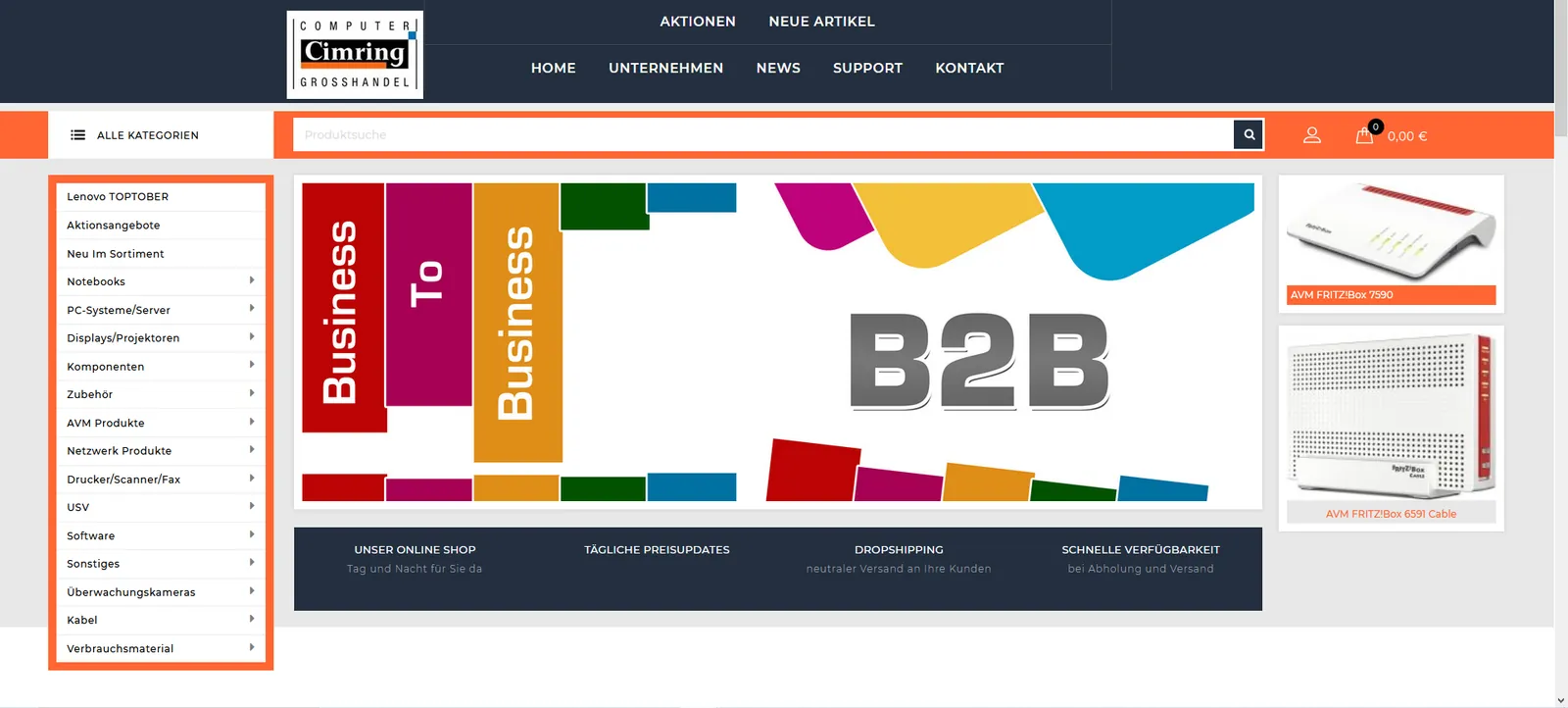
  • Previous design of the Cimring computer wholesale B2B shop with category menu and B2B banner
    Previous design before the rebuild.

Archive images from 2020

More references

disegno.de: B2B shop: from Magento 1 to Magento 2 with Hyvä Rebuild in progress

Magento 1 → Magento 2 + Hyvä

disegno.de

B2B shop: from Magento 1 to Magento 2 with Hyvä

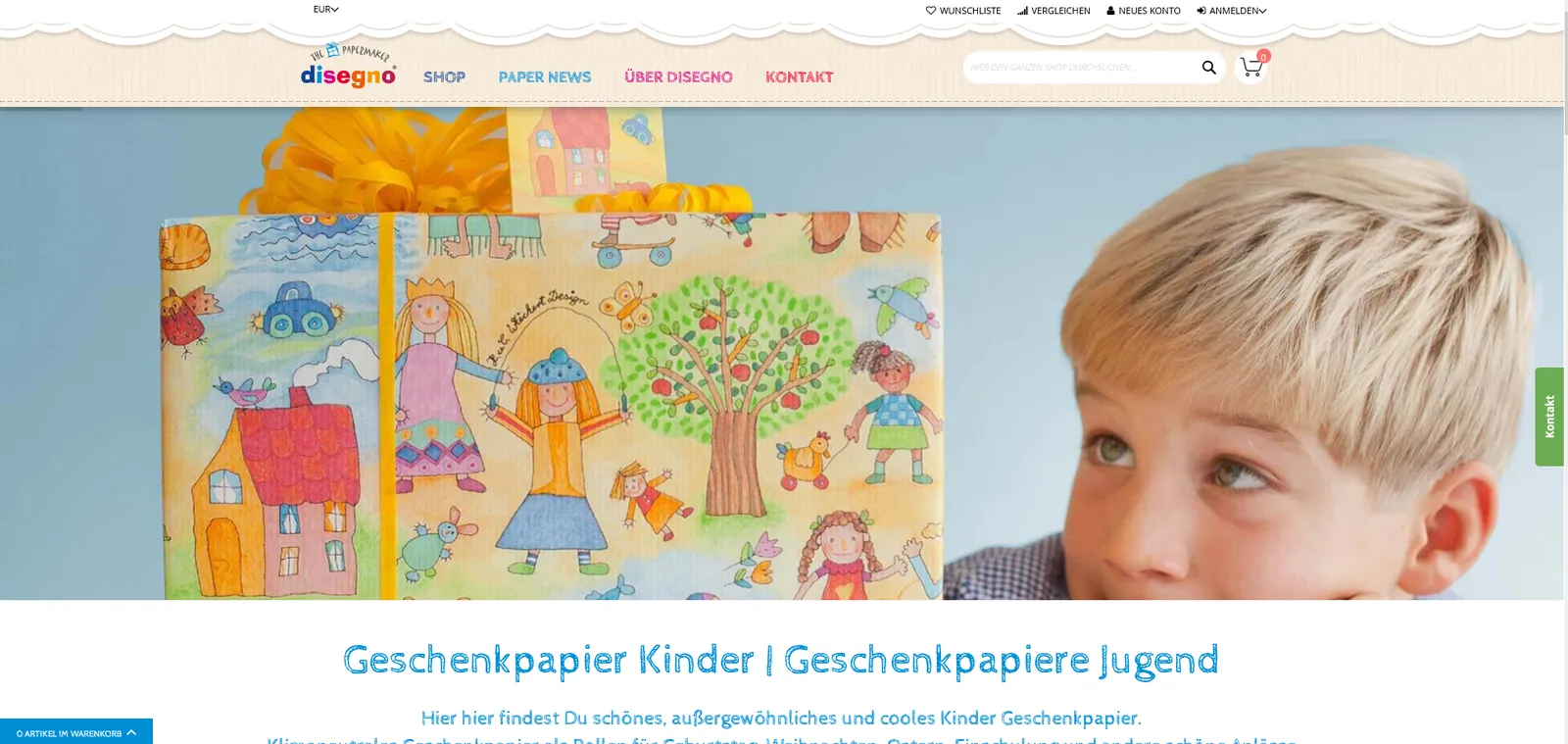
The disegno.de B2B shop for retail partners is being migrated from Magento 1 to Magento 2 with Hyvä. The existing design stays exactly as it is.

Rebuild in progress, expected completion: November 2026.

  • Servers and backups
  • Six languages
  • Import and export
  • Custom modules
  • Tier prices
View project →
disegno.shop: B2C shop: conversion to Hyvä Rebuild in progress

Magento 2 → Magento 2 + Hyvä

disegno.shop

B2C shop: conversion to Hyvä

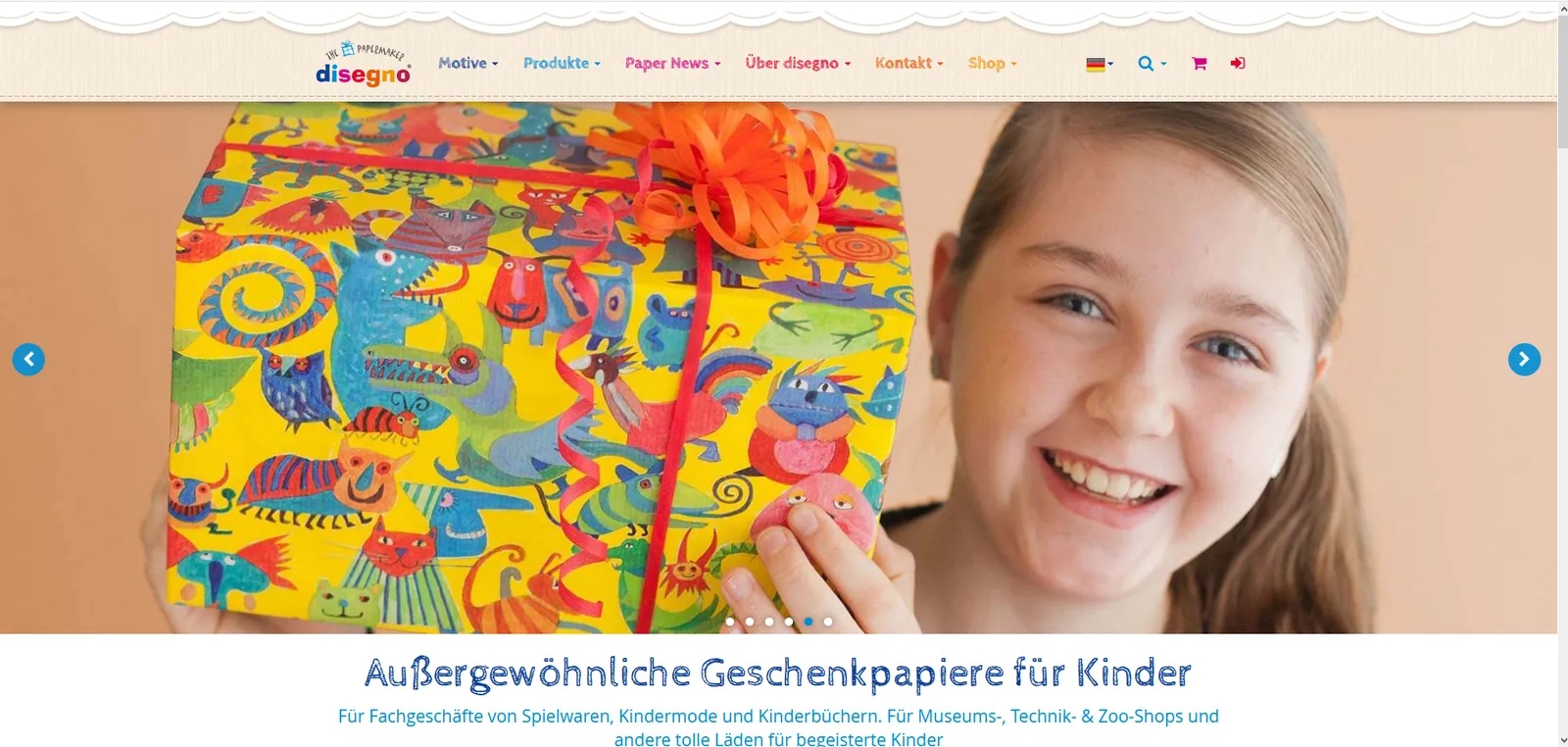
The disegno.shop B2C shop is being converted to Hyvä. The existing design is carried over 1:1.

Rebuild in progress, expected completion: November 2026.

  • Servers and backups
  • Updates and maintenance
View project →
Rebuild in progress

Hyvä

UNI-MED Verlag AG

New design on Hyvä

The shop of UNI-MED Verlag is getting a new design built on Hyvä.

Rebuild in progress, expected completion: November 2026.

  • Servers and backups
View project →

Planning a similar project?

Tell us what you have in mind. We reply with an honest assessment, not a sales pitch.

Discuss your project