Configure shipping methods, create shipments, and complete deliveries with tracking numbers.
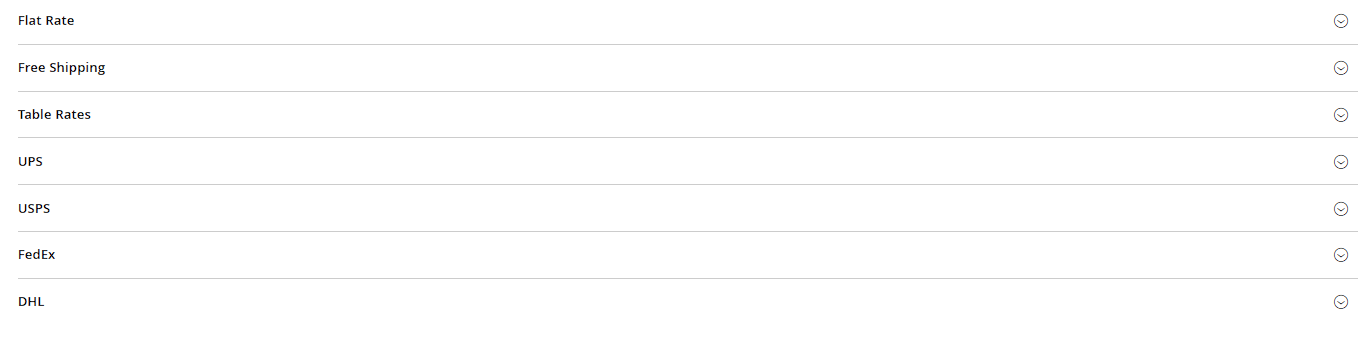
Configure shipping methods (e.g. standard shipping, express, pickup) under Stores > Configuration > Sales > Shipping Methods. Magento ships with a few built-in methods: Flat Rate (a fixed amount per order or per item), Free Shipping (above a configurable minimum order value), Table Rates (a shipping cost table by weight/price/destination country), and carrier integrations like DHL or UPS that calculate real shipping costs live.
Shipping origin
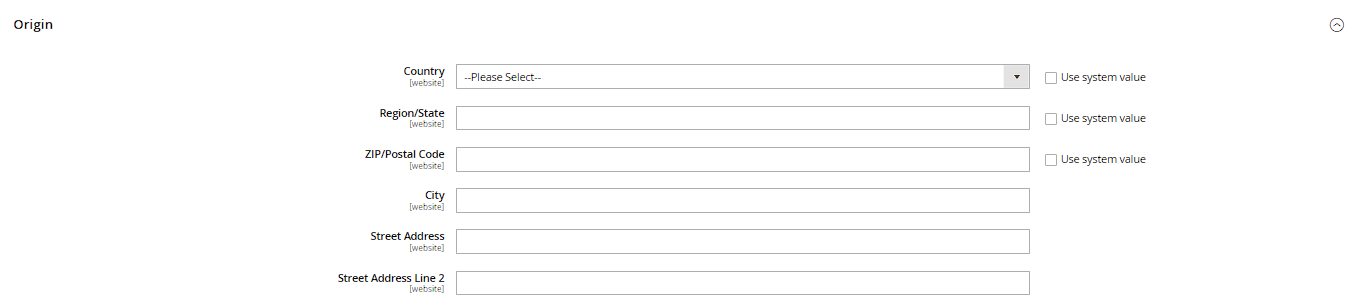
Under Stores > Configuration > Sales > Shipping Settings you set the origin address for your shipments (Origin) – important for correct shipping cost calculation with distance-based methods and for display on shipping documents.
Creating a shipment
From the order detail view, click Ship. On the following page:
- Check the quantities, or adjust them for partial shipments (e.g. when one item is already available and another isn't yet).
- Under Tracking Number, optionally add the carrier (from a dropdown or "Custom Value") and tracking number – the customer then sees these in their order history and in the automatic shipment notification, often as a clickable tracking link.
- Enable Email Copy of Shipment if the customer should be notified automatically by email.
- Finish with Submit Shipment – here too, more than one shipment per order is possible, e.g. for shipments sent at different times.
Status and overview
The finished shipment can then be viewed collectively under Sales > Shipments and exported as a PDF. Only once every item of an order has been both invoiced and shipped does the order status automatically switch to "Complete".
Table rates in detail
The Table Rates shipping method under Stores > Configuration > Sales > Shipping Methods > Table Rates calculates shipping cost from a CSV table you upload yourself. The Condition field determines what the table is tiered by – options include weight, cart subtotal, number of items, or destination. Download the table itself as a template via Export CSV, fill it in with Excel/LibreOffice, and upload it again via Import – editing the rows directly in the backend isn't supported.
Multiple tracking numbers and shipping labels
When creating a shipment, the Add Tracking Number button lets you add more than one tracking number, e.g. when an order is split across several packages. If a carrier with a label API is integrated (e.g. UPS, FedEx or USPS, depending on the installed carrier module), a Create Shipping Label button also appears, letting you generate a shipping label directly and print it as a PDF from the shipments grid.
Free shipping above a minimum order value
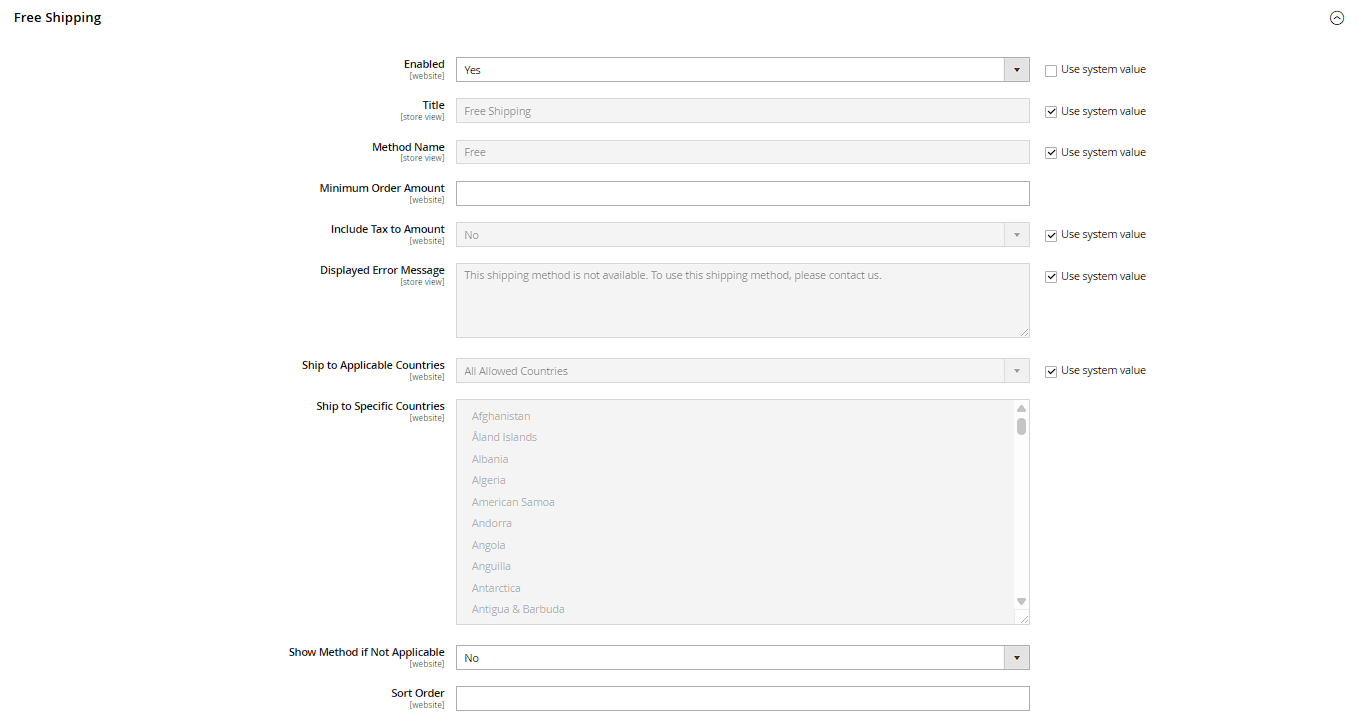
The built-in Free Shipping method, under Stores > Configuration > Sales > Shipping Methods > Free Shipping, can be tied to a minimum order value via the Free Shipping Amount Threshold field, above which it's offered at checkout. Practical tip: free shipping can also be granted separately via a cart price rule (e.g. tied to a coupon code) – the two paths are independent of each other and shouldn't be confused when reasoning about your shipping cost logic.