How to secure your own admin user account, change your password, and create additional backend users.
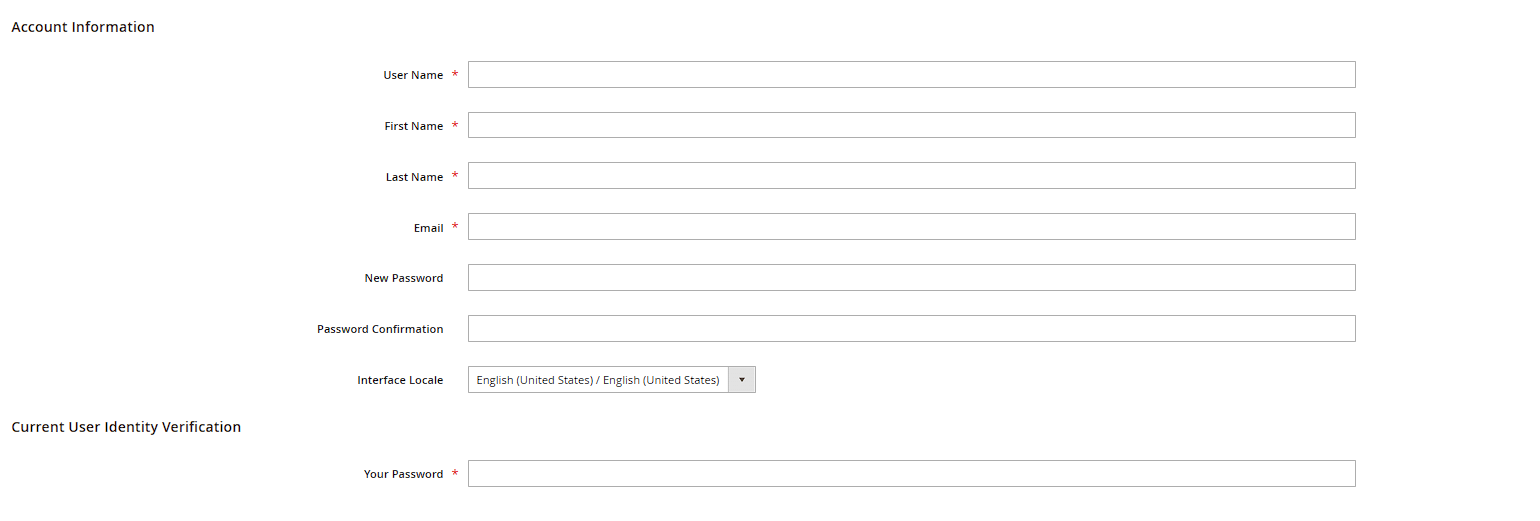
You manage your own account via the user menu in the top right of the backend (your name) > My Account. The form is split into two areas: Account Information (name, email, password) and Interface Locale (the language of the backend interface itself, independent of your store's store-view languages).
Changing your password
To change your password, click Change Password in the "Account Information" section, enter a new password and confirm it. Magento enforces a minimum length and a mix of letters and numbers/special characters
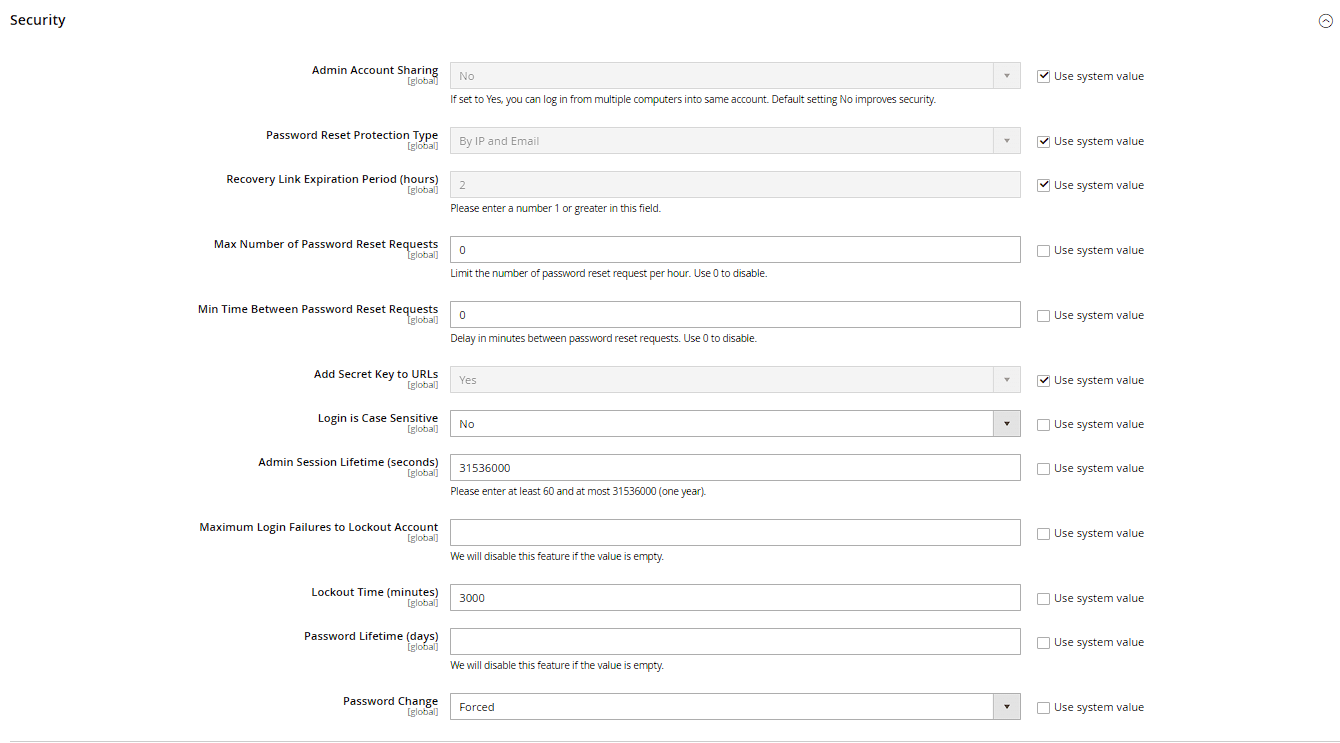
 – the exact password policy can be tightened under Stores > Configuration > Advanced > Admin > Security (e.g. raise the minimum length, enforce password expiration).
Two-factor authentication
Since Magento 2.4, two-factor authentication (2FA) is enabled by default and mandatory for every backend user. On first login after activation, Magento walks you through setup (e.g. via an authenticator app like Google Authenticator). The related configuration lives under Stores > Configuration > Security > 2FA.
Managing additional backend users
Under System > Permissions > All Users you see every backend user with their status (active/locked) and assigned role. Once someone leaves the team, deactivate their account here immediately (set the This account is field to "Inactive") – deleting is also possible, but that also removes their attribution in change logs.
Creating new users
Use Add New User to create a new account: username, full name, email address, an initial password, and – crucially – the assigned Role. Only assign the role (see the "User Management and Permissions" chapter) that's actually needed for the specific task, instead of handing out admin rights by default.
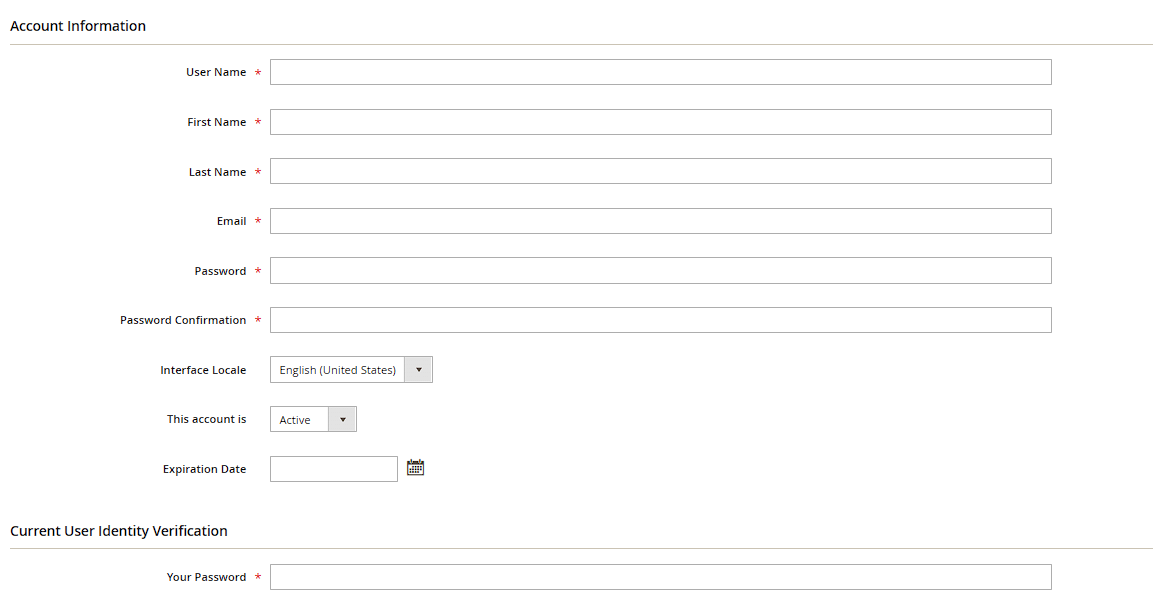
Security note: every time you save something in the backend, Magento asks for your current password again (the "Your Password" field at the bottom of the respective form) – that's not a bug, it protects against someone making unnoticed changes on an unattended, logged-in computer.