The most important settings to configure right after a fresh Magento installation – from store name to base currency.
A fresh Magento installation works technically right away, but is still empty on the content side. These are the first things worth clarifying before you start adding products and categories:
1. General settings
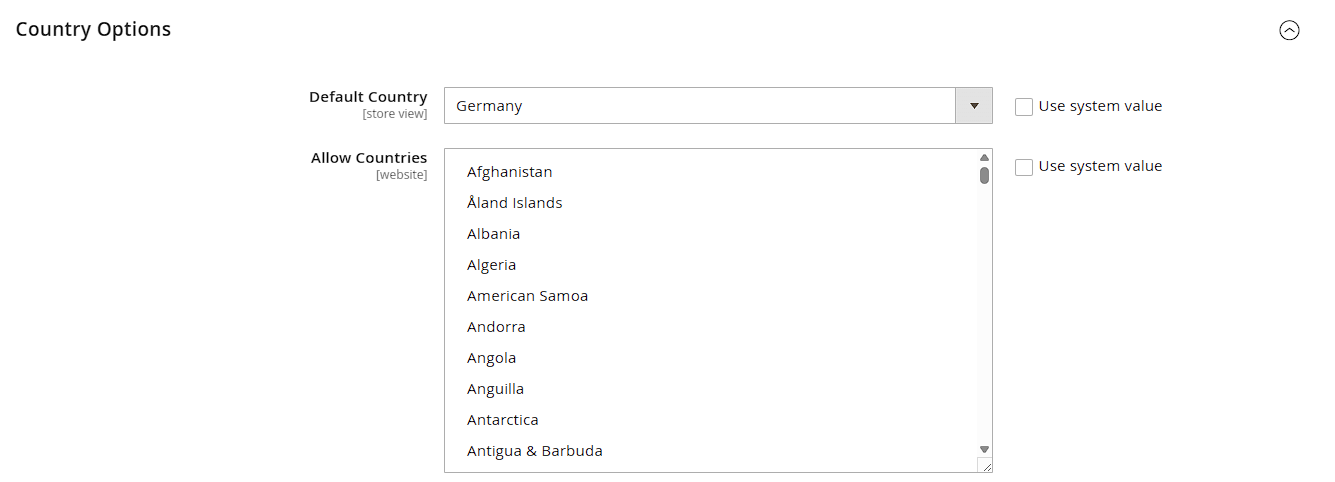
Under Stores > Configuration > General > General, group Country Options, set the default country and allowed countries.
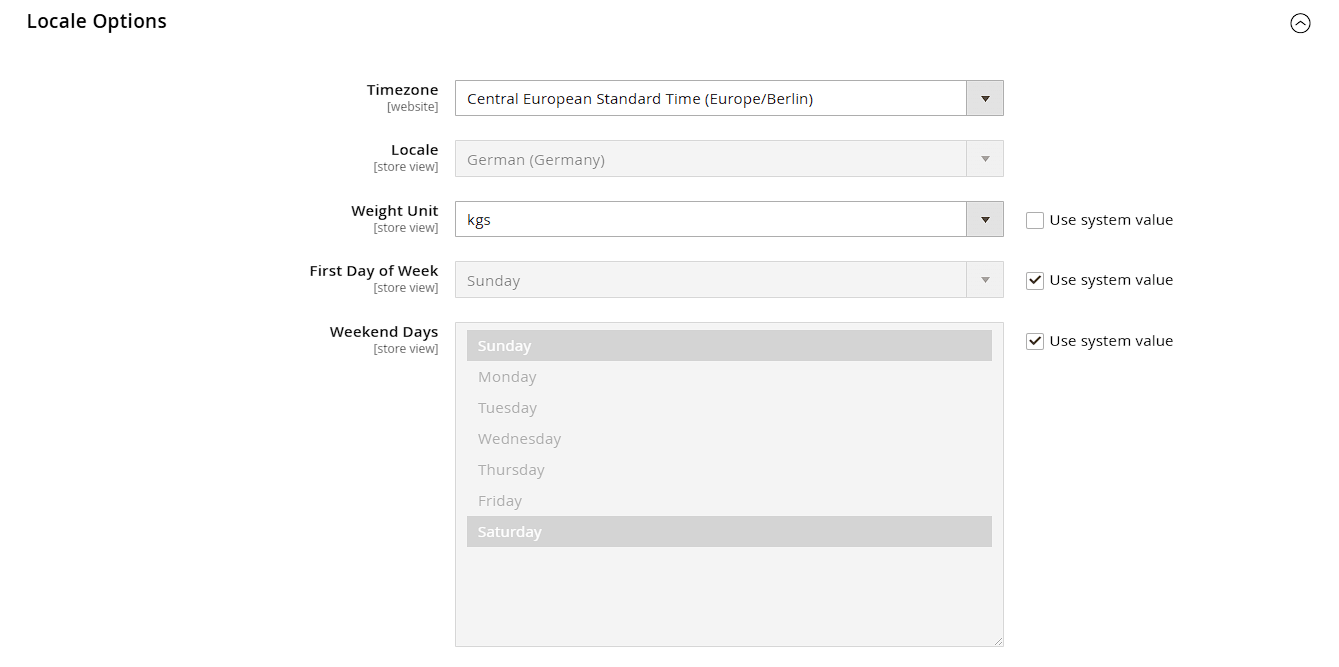
 In the Locale Options group, set the timezone and time format. Crucially: the base currency (group Currency Setup) can only be changed later with significant effort once orders exist, since every stored price is recorded in that currency – decide this for good before going live.
2. Store information
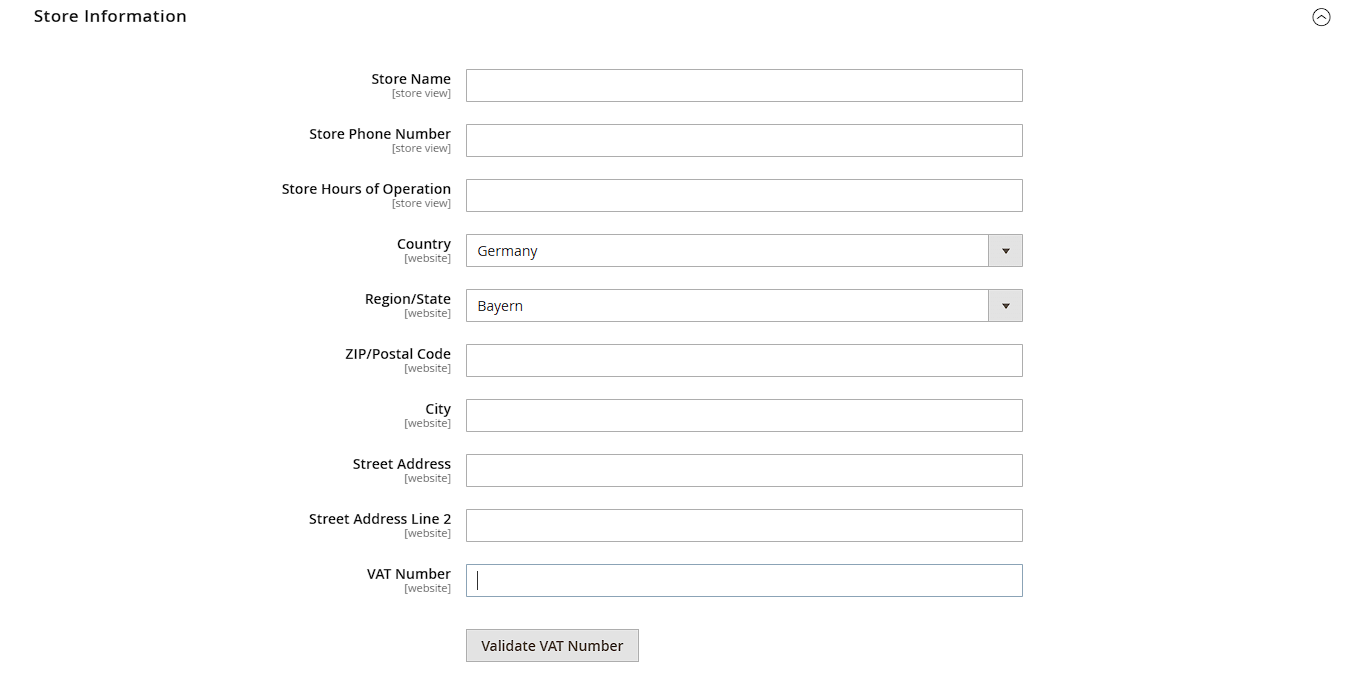
Under General > Store Information, maintain company name, address, phone number and VAT ID. These details automatically show up on every PDF document (invoice, shipment, credit memo) and are a legal requirement in the EU.
3. Base URLs
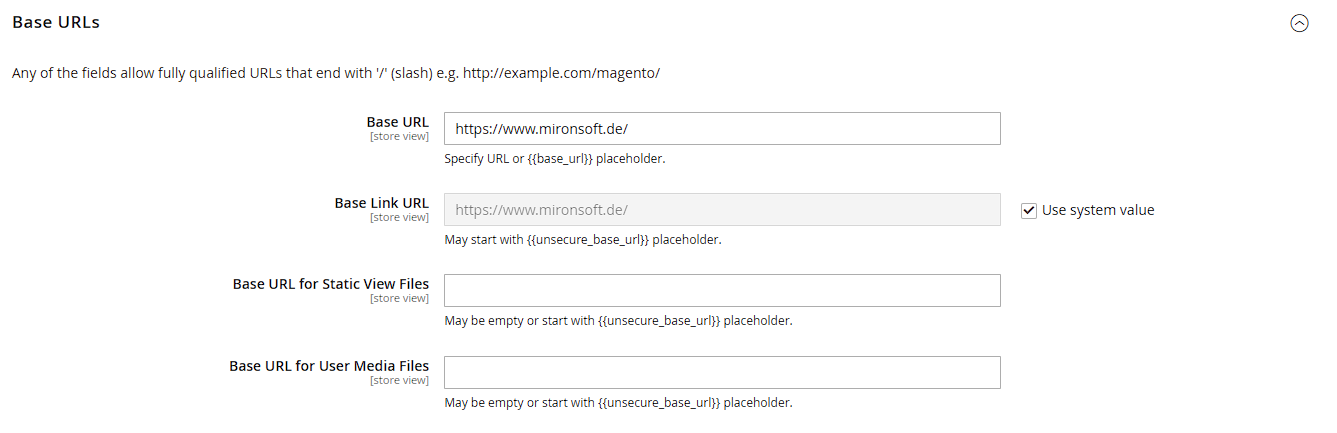
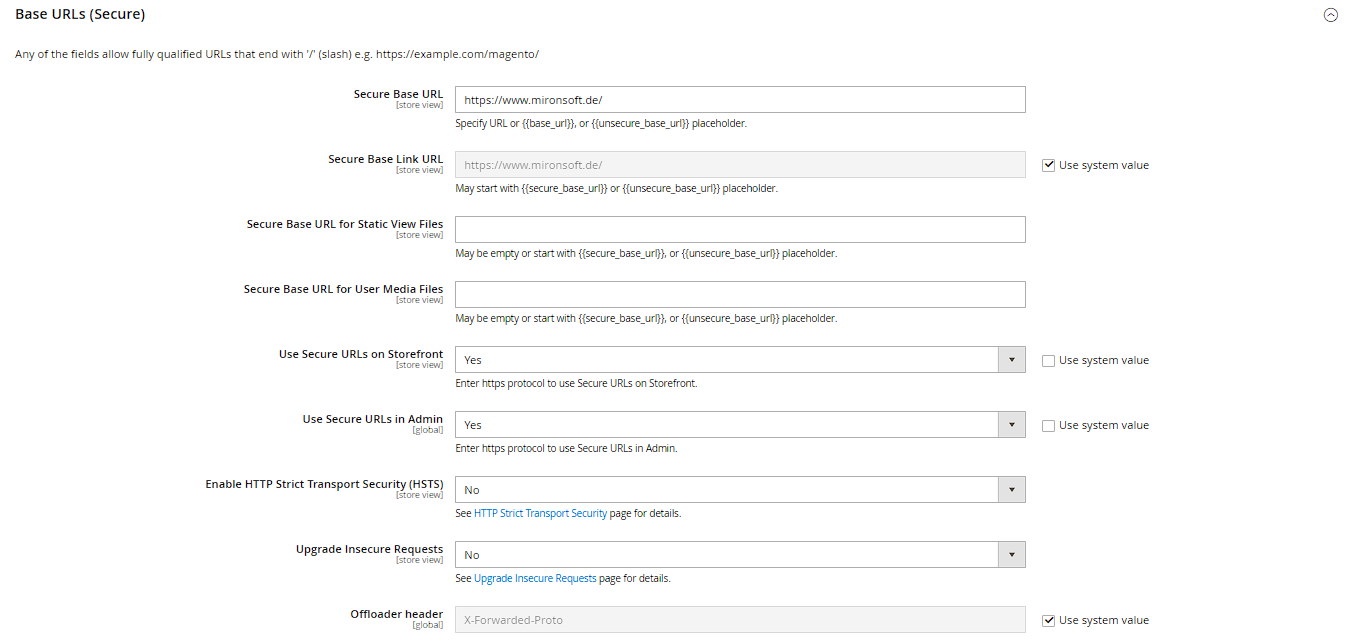
Under Web > Base URLs and Base URLs (Secure), check that the correct domain including https:// is set. A wrong base URL breaks links throughout the entire store and in outgoing emails. Under Web > Secure, Use Secure URLs in Frontend/Admin should both be set to "Yes" once a valid SSL certificate is active.
4. Tax classes
Under Sales > Tax you define tax classes (e.g. "Taxable Goods"), tax rates (Manage Tax Zones and Rates), and tax rules that link the two together. For the German/EU market, rule sets for the reduced tax rate (7%) and, where applicable, digital products are particularly relevant here.
5. Transactional emails
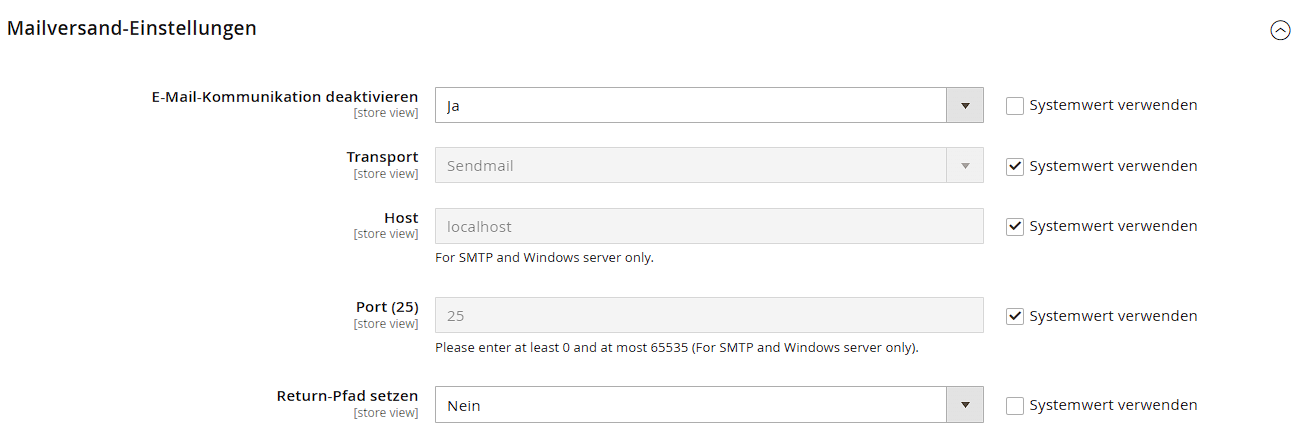
Set the sender address and name for automatic system emails (order confirmation, password reset, etc.) under Advanced > System > Mail Sending Settings. An unsuitable or unverified sender address noticeably increases the chance of these emails landing in your customers' spam folders.
6. Don't forget to clear the cache
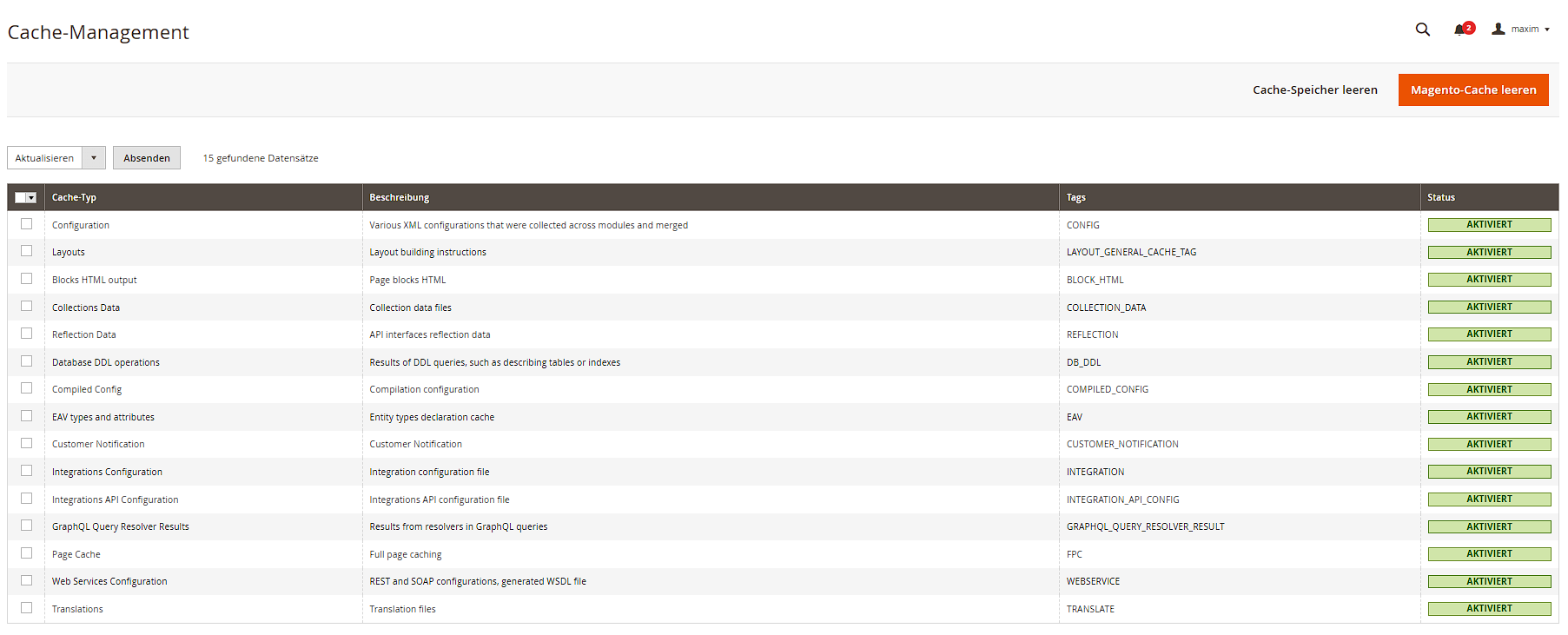
After every configuration change, a cache flush (System > Cache Management, see its own chapter) is required for the new values to actually reach the storefront – Magento caches configuration values by default.